Chapter 5: Configuration
IPv6 Support
136
Psion Teklogix 7535/7530 Hand-Held Computer User Manual
5.8 IPv6 Support
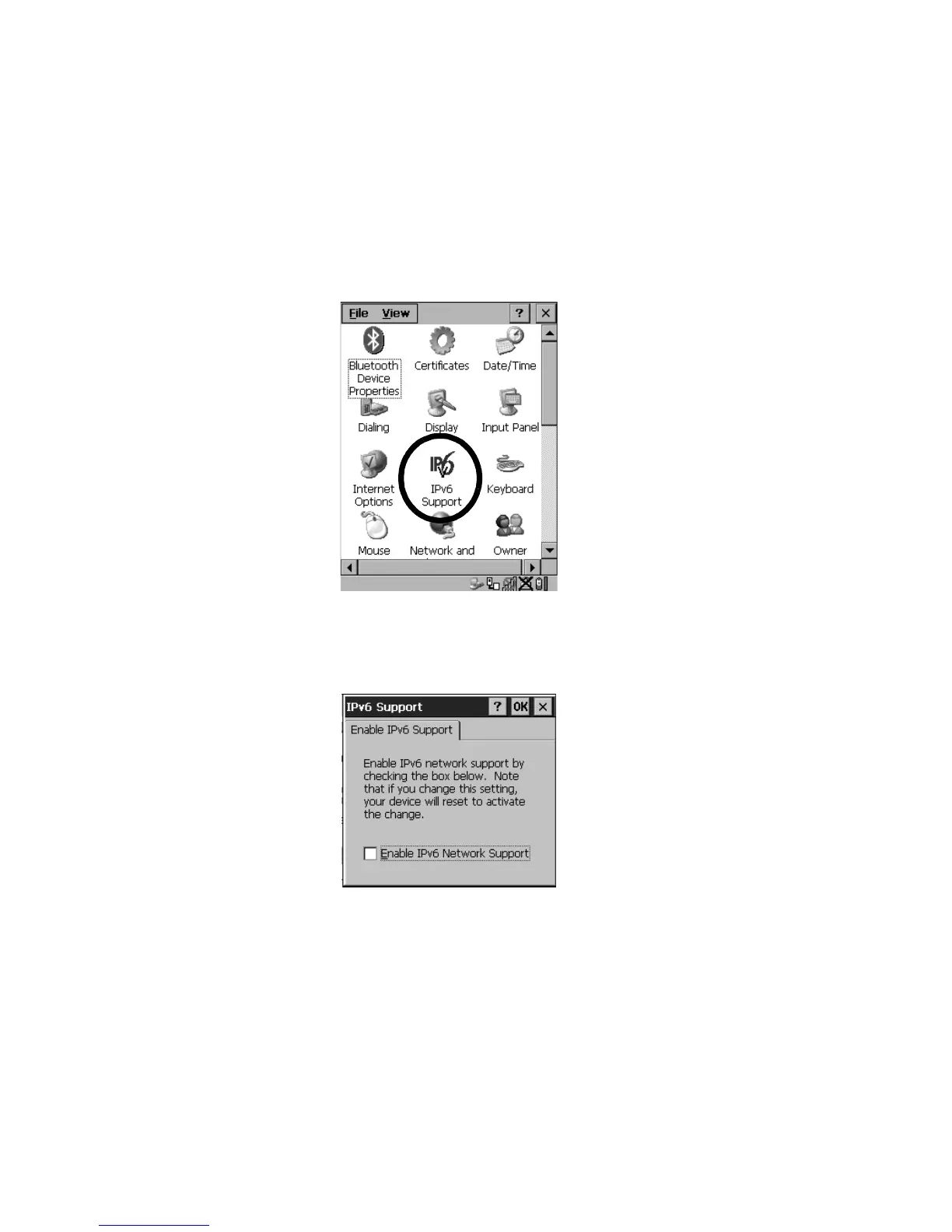
The IPv6 Support icon in the Control Panel allows you to activate IPv6 network
support on your unit. This internet protocol specification (version 6) supports
128-bit IP addresses, replacing version 4.
Figure 5.59 IPv6 Support Icon
• Choose the IPv6 Support icon to display the associated dialog box.
Figure 5.60 IPv6 Support Tab
• Choose the checkbox next to Enable IPv6 Network Support to enable this
internet protocol.



 To Next Page