Chapter 5: Configuration
The Bluetooth GPRS Phone
124
Psion Teklogix 7535/7530 Hand-Held Computer User Manual
5.6.6 The Bluetooth GPRS Phone
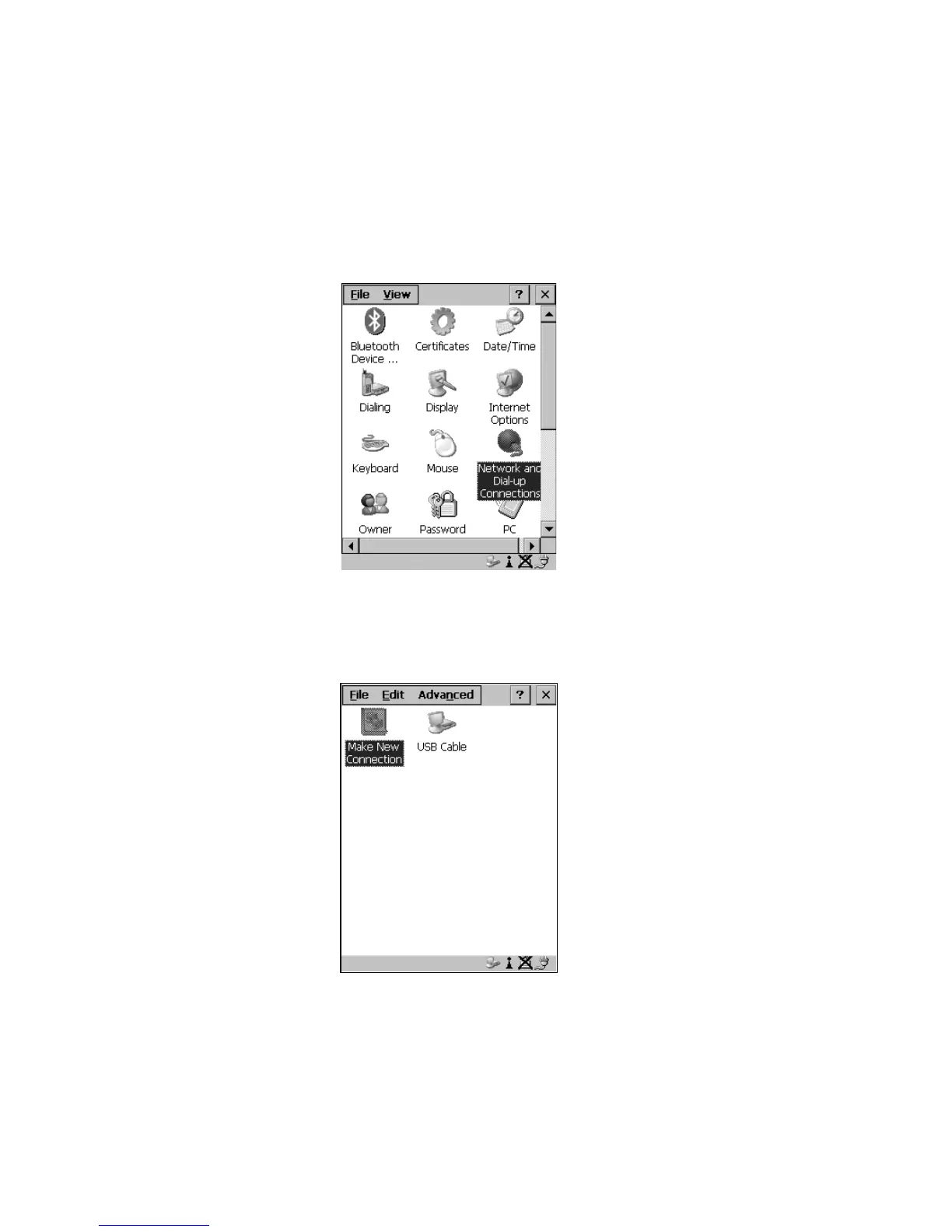
1. To set up the internet parameters, choose the Network And Dial-up
Connections icon from the Control Panel.
Figure 5.37 Network And Dial-up Connection Icon
2. Choose the Make New Connection icon.
Figure 5.38 Creating A GPRS Connection



 To Next Page