Chapter 5: Configuration
Keyboard Properties
98
Psion Teklogix 7535/7530 Hand-Held Computer User Manual
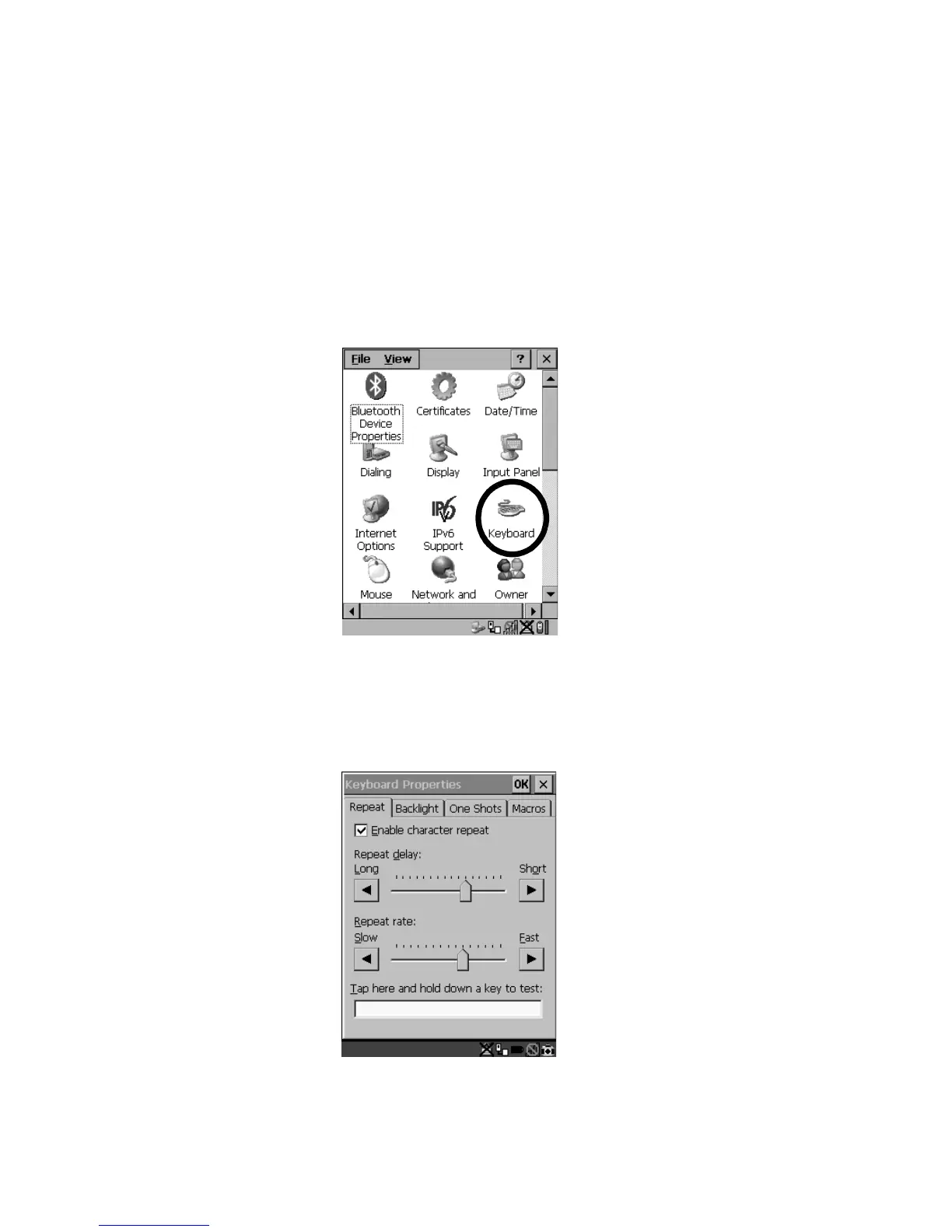
5.5.2 Keyboard Properties
This icon displays the Keyboard Properties dialog box in which you can adjust the
repeat rate of the keys, the intensity of the keyboard backlight and the behaviour of
the <BLUE> and <ORANGE> modifier keys. This dialog box also allows you to
define macro keys and Unicode characters.
•In the Control Panel, choose the Keyboard icon.
Figure 5.6 Choosing The Keyboard Icon
5.5.2.1 Key Repeat
•In the Keyboard Properties dialog box, open the Repeat tab.
Figure 5.7 Key Repeat Properties



 To Next Page