Psion Teklogix 7535/7530 Hand-Held Computer User Manual 115
Chapter 5: Configuration
Certificate Assignment
5.5.6 Certificate Assignment
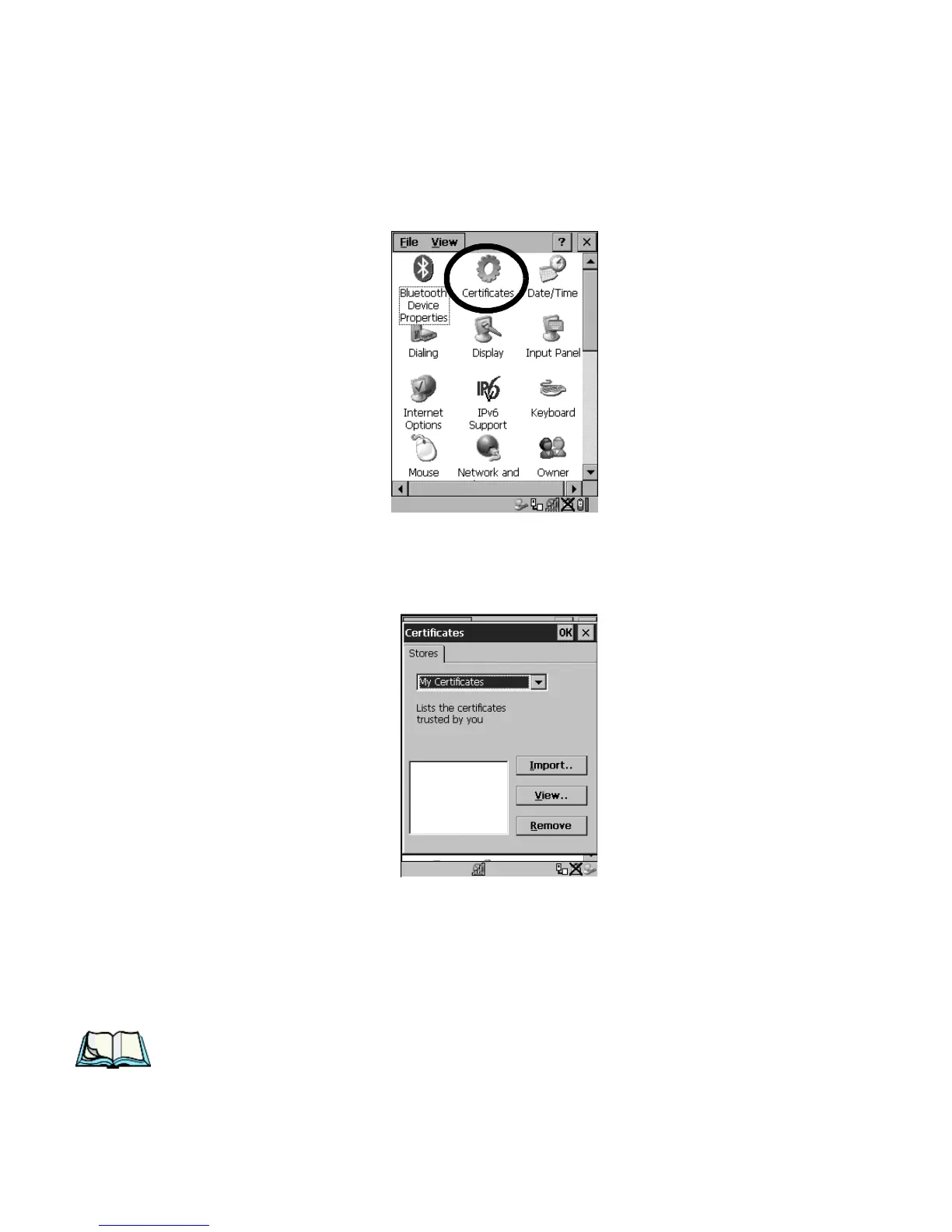
•In the Control Panel, choose the Certificate icon.
Figure 5.28 Certificates Icon
This dialog box is used in conjunction with 802.1x authentication to enhance
7535/7530 security.
Figure 5.29 Certificates Dialog Box
For a detailed description about Certificate setup for both the server and client-side
devices (7535/7530s), refer to the following website:
www.microsoft.com/windows2000/techinfo/planning/walkthroughs/default.asp - "Security Services"
Note: When importing certificates, the 7535/7530 only recognizes .cer files.



 To Next Page