Psion Teklogix 7535/7530 Hand-Held Computer User Manual 201
Chapter 5: Configuration
Permitted Hosts Tab
5.11.4 Permitted Hosts Tab
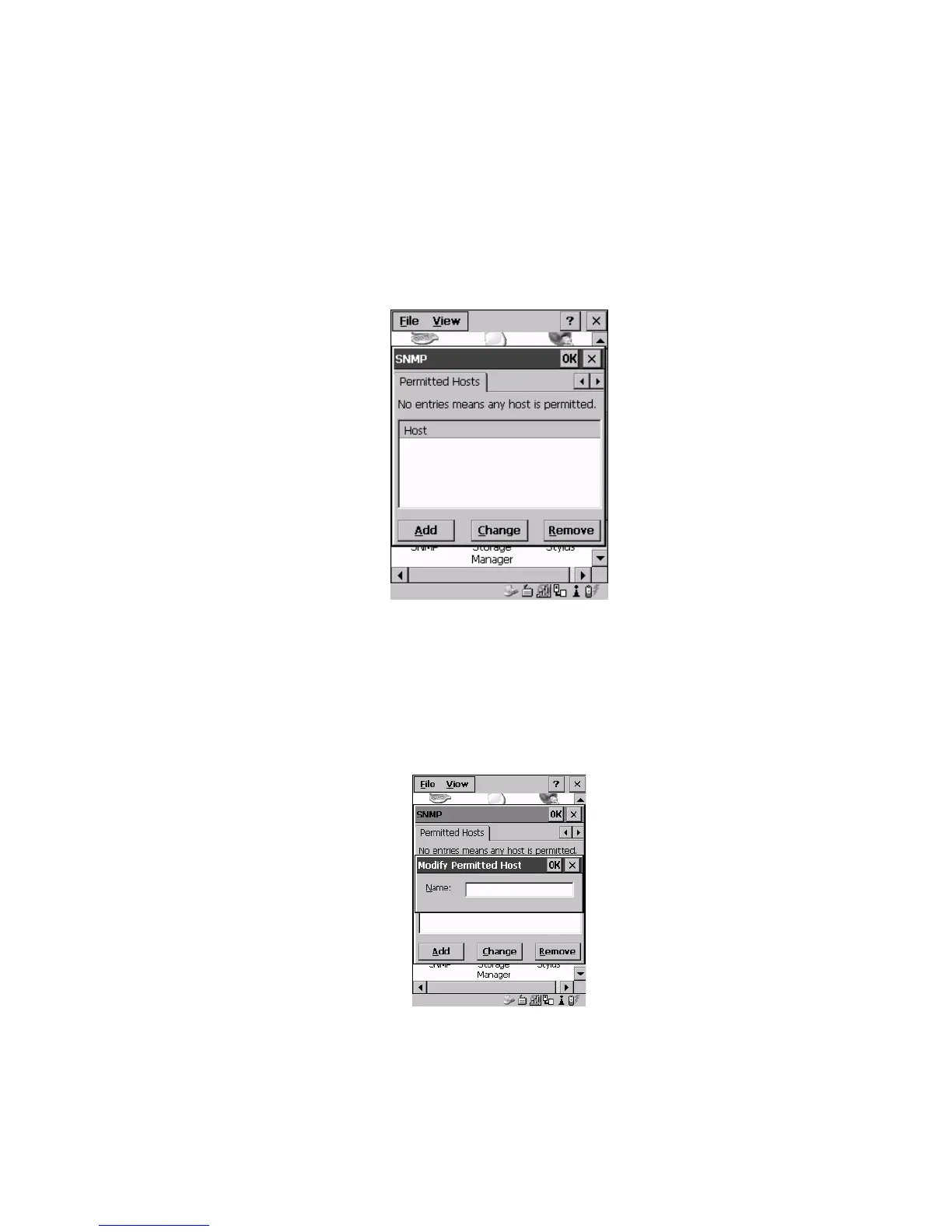
For security reasons, the Network Administrator may want to restrict SNMP-node
access to a known sub-set of SNMP Managers. This tab lists the IP addresses of all
the SNMP Managers which are allowed to monitor and manage this device. If no
entries are listed, the device will accept SNMP queries from any host.
Figure 5.95 Permitted Hosts Tab
5.11.4.1 Adding A Host
To add a new host:
• Highlight the Add button, and press <ENTER>.
Figure 5.96 Adding A Host
• Type a new host IP address in the text box provided, and press <ENTER>.



 To Next Page