Psion Teklogix 7535/7530 Hand-Held Computer User Manual 29
Chapter 2: Basic Checkout
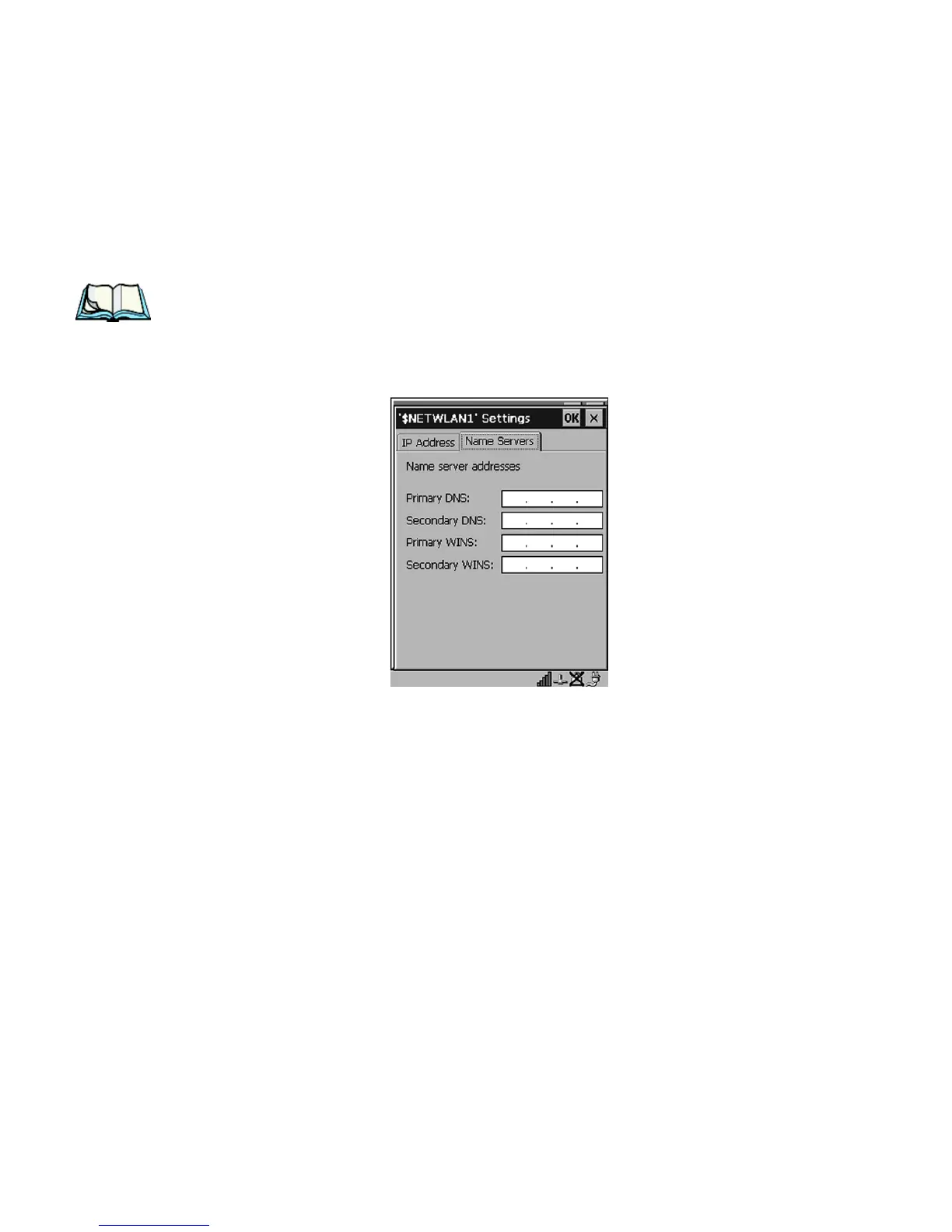
Name Servers Tab
• Tap the stylus on the radio button next to Specify an IP address to select it.
• Type an IP, Subnet Mask and Default Gateway address in the appropriate
fields. Press <ENTER> to save your information.
2.3.2 Name Servers Tab
Note: If DHCP is enabled, name server addresses are assigned automatically.
•In the $NETWLAN1 Settings window, display the IP Information tab.
•In the IP Information tab, tap on the Configure button.
• Display the Name Servers tab.
Figure 2.13 Name Servers Tab
The DNS and WINS fields in the Name Servers tab allow you to specify additional
WINS and DNS resolvers. The format for these fields is ###.###.###.###.



 To Next Page