Psion Teklogix 7535/7530 Hand-Held Computer User Manual 117
Chapter 5: Configuration
The Devices Tab
5.6.1 The Devices Tab
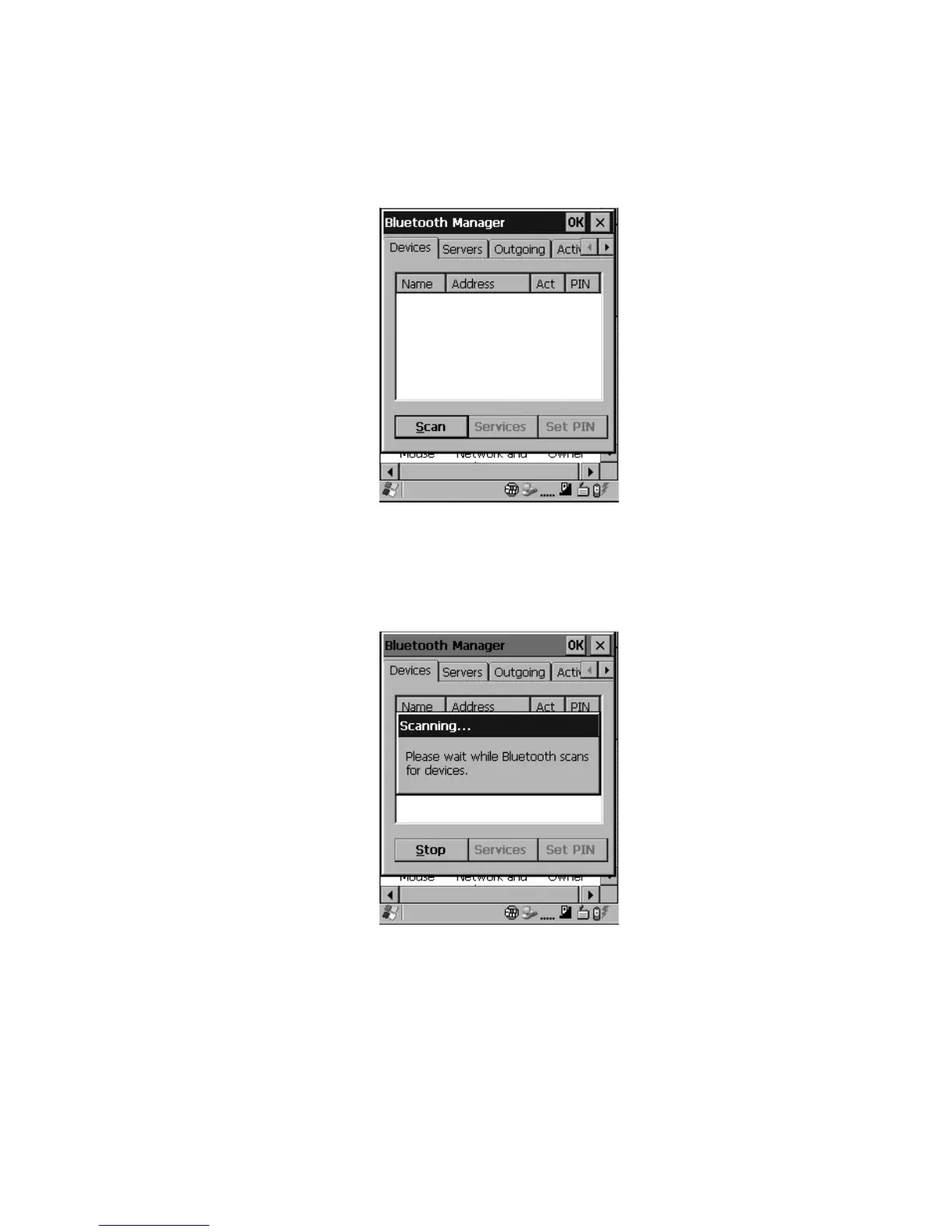
Figure 5.31 The Bluetooth Device Tab
Scan
•Click on the Scan button to list available devices.
Figure 5.32 Available Bluetooth Devices
Wait for the 7535/7530 to complete its scan (approximately 20 seconds). When
scanning starts, the Scan button will change to Stop – if necessary, you can
tap on this button to stop the process. Once scanning is complete, all discovered
devices will be displayed in the list box, with Name, Address, Active status,
and PIN information.



 To Next Page