Psion Teklogix 7535/7530 Hand-Held Computer User Manual 47
Chapter 3: Getting To Know Your 7535/7530
7535/7530 Indicators
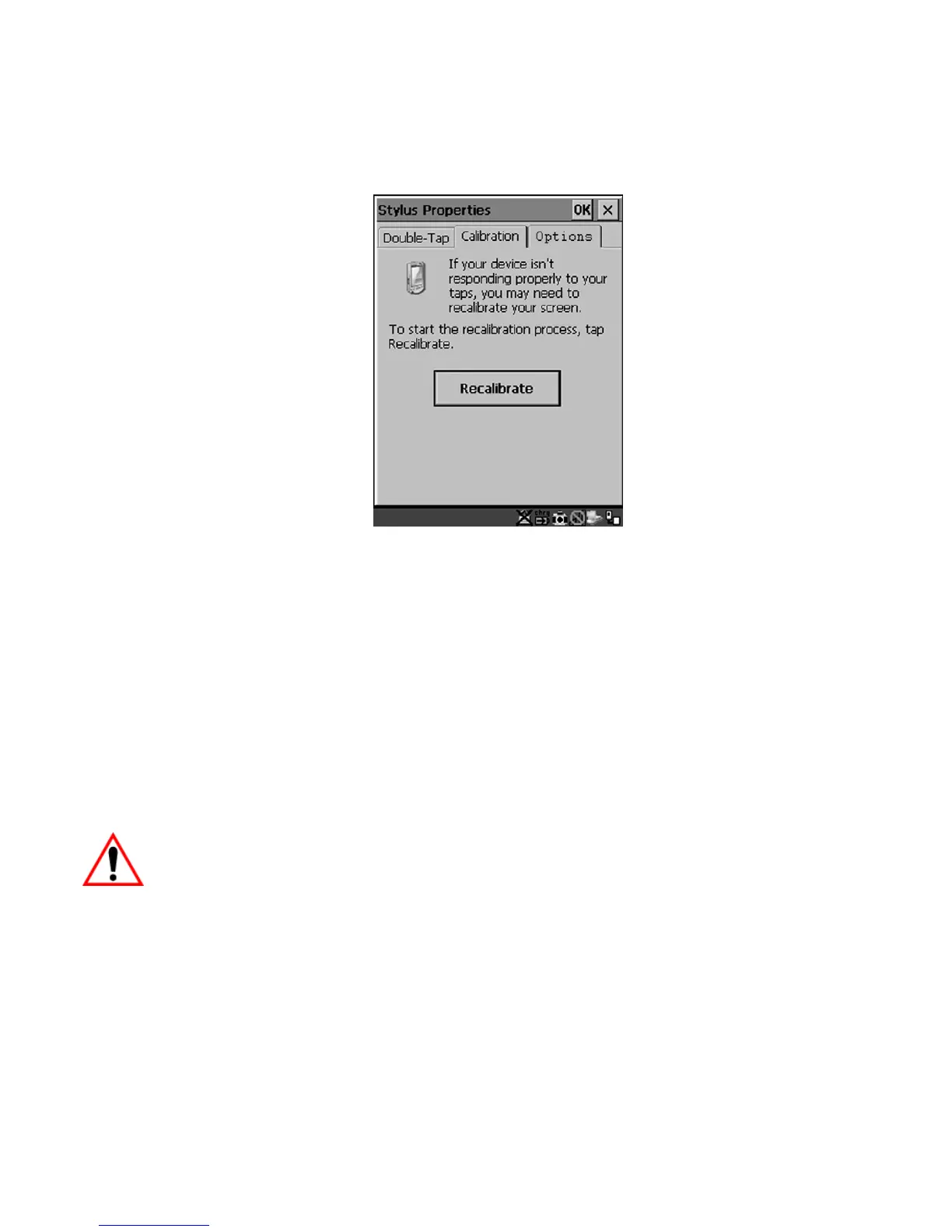
• Select the Calibration tab, and then choose the Recalibrate button.
Figure 3.7 Calibration Screen
• Follow the directions on the calibration screen to calibrate the screen.
3.7 7535/7530 Indicators
7535s and 7530s use LEDs (Light Emitting Diode), onscreen messages and audio
tones as indicators.
3.7.1 LEDs
Hand-helds are equipped with four tri-coloured LEDs. This section outlines what
these LEDs indicate.
Important: If an LED is illuminated in red, the operator should be cautious
as this generally indicates an abnormal operating condition or
active laser emission.



 To Next Page