Chapter 5: Configuration
Total Recall
130
Psion Teklogix 7535/7530 Hand-Held Computer User Manual
5.7 Total Recall
Total Recall is a Psion Teklogix utility developed to maintain applications and
setting over cold boots. This utility is based on a backup and restore concept.
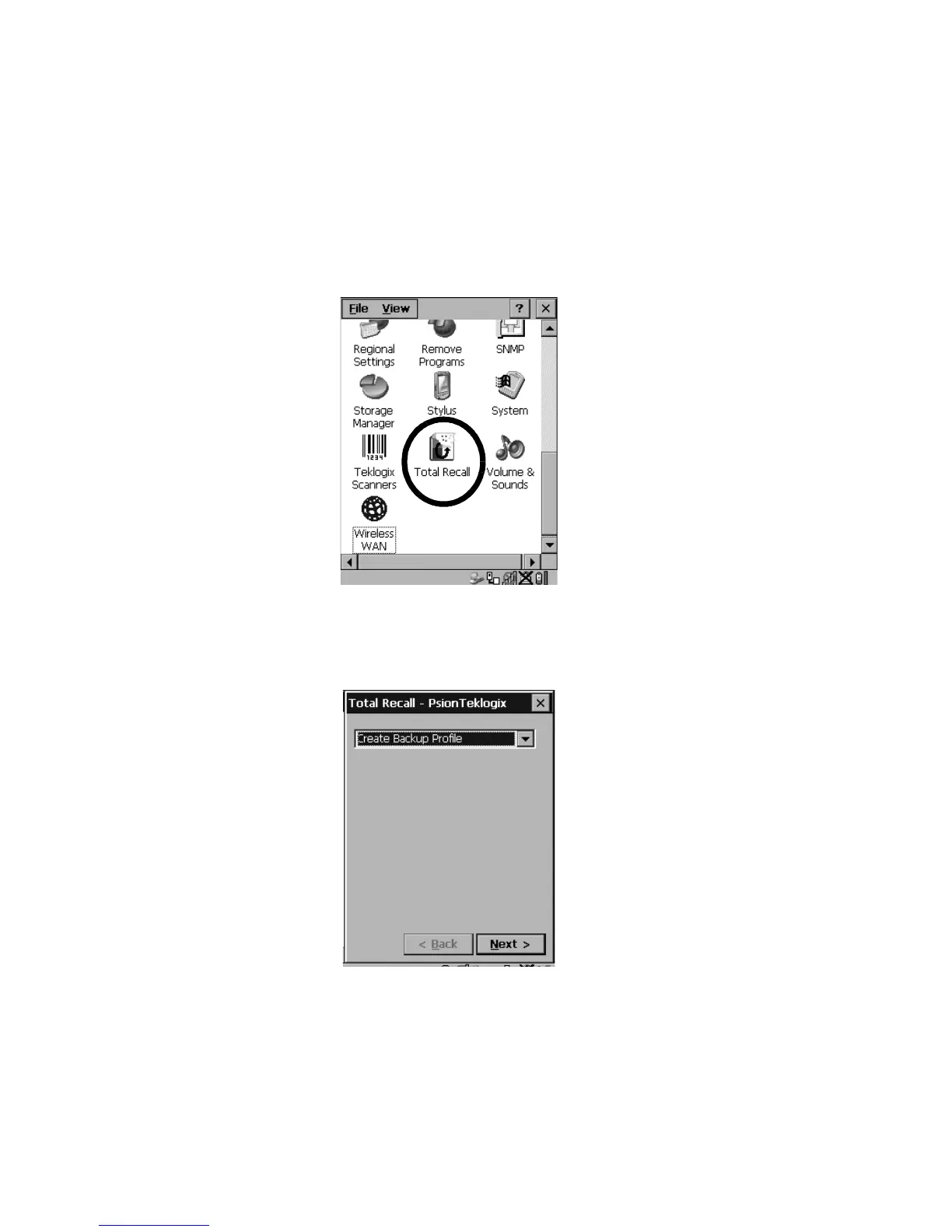
•In the Control Panel, choose the Total Recall icon
Figure 5.49 Total Recall Icon
5.7.1 Creating A Backup Profile
Figure 5.50 Backup Profile
In the dropdown menu, you can choose from four options: Create Backup Profile,
View Selected Profile, Restore Selected Profile and Delete Selected Profile. Keep in
mind however that until a profile is created, the only available option is Create
Backup Profile.



 To Next Page