Chapter 5: Configuration
Scanner Properties Setup
150
Psion Teklogix 7535/7530 Hand-Held Computer User Manual
5.10 Scanner Properties Setup
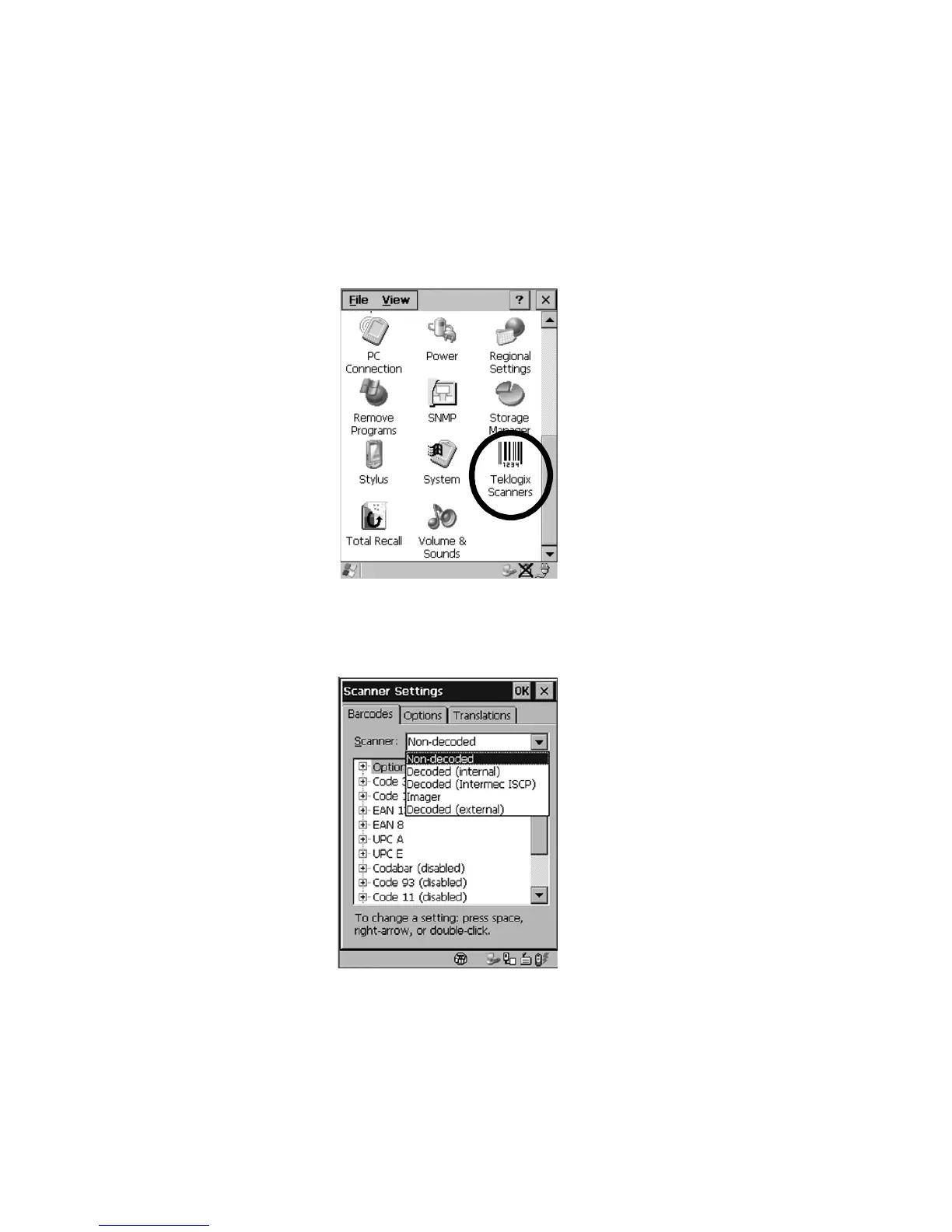
The Teklogix Scanners icon in the Control Panel provides dialog boxes in
which you can tailor bar code options and choose the bar codes your scanner
will recognize.
Figure 5.72 Teklogix Scanner Icon
5.10.1 Bar Codes
Figure 5.73 Scanner Properties



 To Next Page