Psion Teklogix 7535/7530 Hand-Held Computer User Manual 149
Chapter 5: Configuration
Radio Tab
Frequency Table
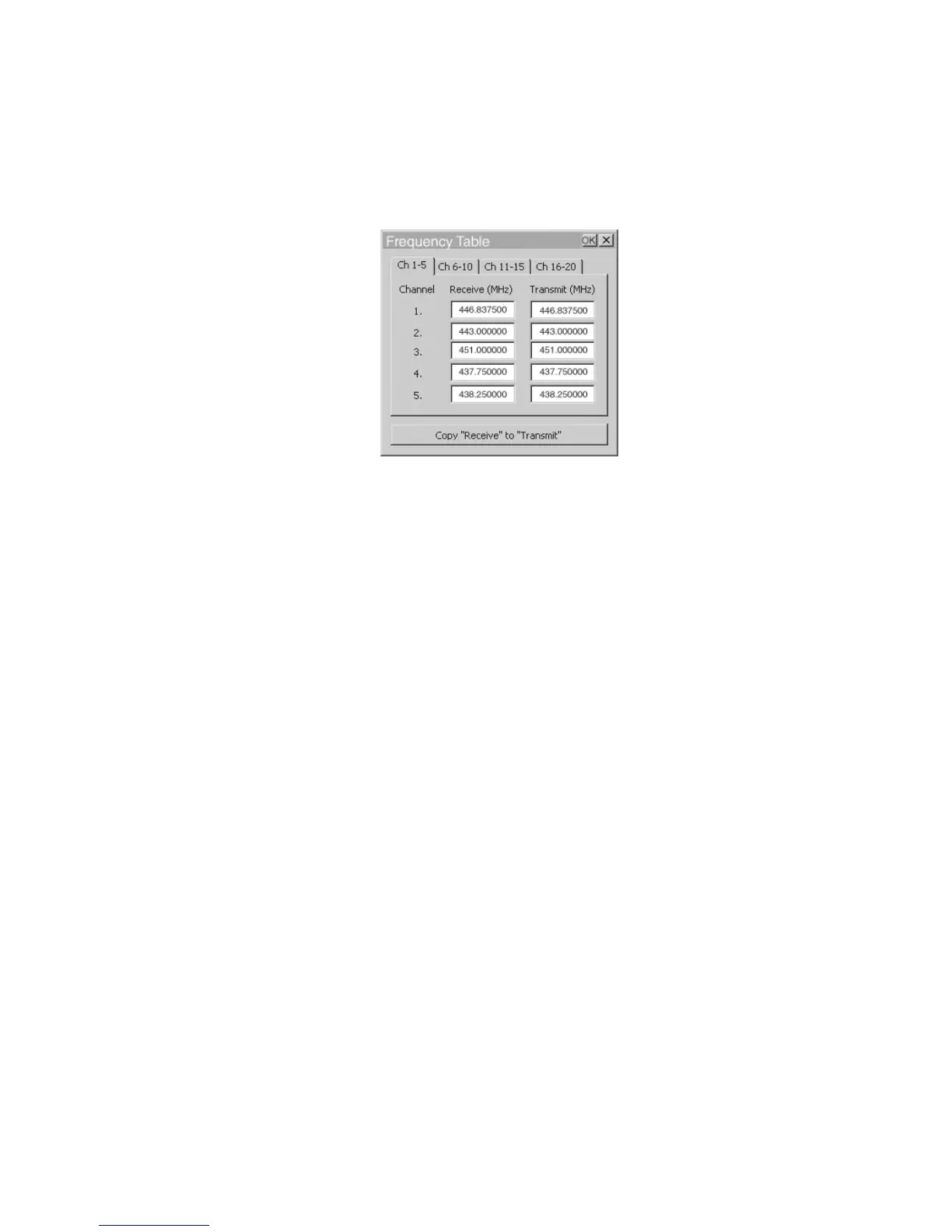
• Tap on the Frequency button to display the Frequency Table dialog box.
Figure 5.71 Frequency Table
• Tap on the Copy “Receive” to “Transmit” button to copy the contents of
the “Receive” fields into the corresponding “Transmit” fields.
When you tap on this button, a warning box is displayed asking Copy all the Rx
frequencies to the Tx frequencies?
• Tap on the Yes button to go ahead or No to stop the copy process.
Statistics
• Tap this button to display communication statistics.
Refer to “Statistics Screen” beginning on page 137 for details about this screen.
Advanced
This button launches the “Radio Test Application”.



 To Next Page