Chapter 3: Getting To Know Your 7535/7530
Onscreen Indicators
50
Psion Teklogix 7535/7530 Hand-Held Computer User Manual
3.7.2 Onscreen Indicators
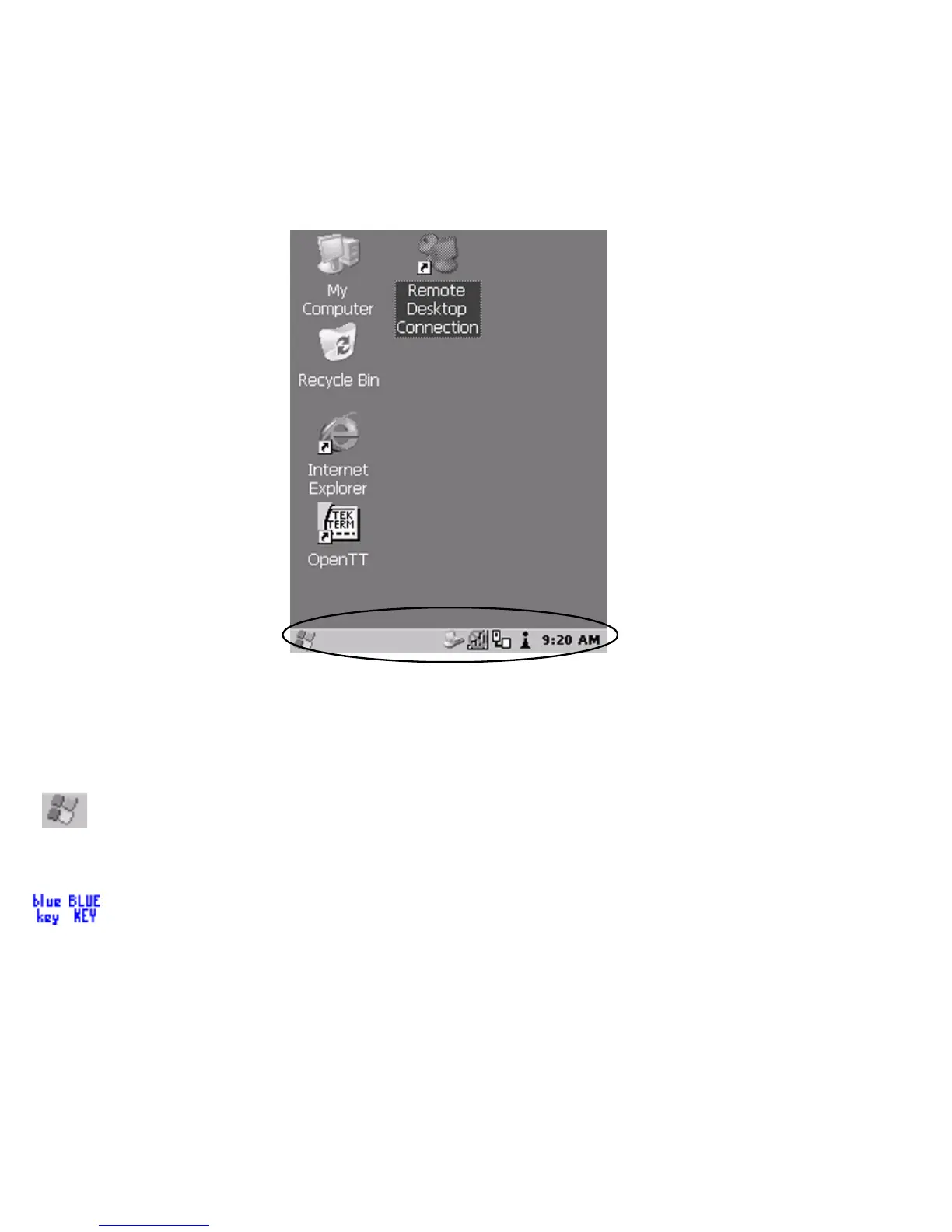
The taskbar at the bottom of the screen displays a variety of system status indicators.
Figure 3.9 Taskbar
The taskbar changes dynamically, and only those icons that are applicable are
displayed. For example, if a radio is not installed in your 7535/7530, the radio signal
icon is not displayed in the taskbar.
Windows® Start Button
If you have a touchscreen, you can display the Start Menu by tapping on the
Windows® Start button in the taskbar.
Modifier Key Indicators
<SHIFT>, <CTRL>, <ALT>, <BLUE> and <ORANGE> are modifier keys that
have onscreen indicators to show when a key is active or locked. If a modifier key is
pressed once to activate it, the key is displayed in the taskbar in lowercase characters
– for example, pressing the <BLUE> key once displays
blue key in the taskbar. If a



 To Next Page