Chapter 5: Configuration
Charger
112
Psion Teklogix 7535/7530 Hand-Held Computer User Manual
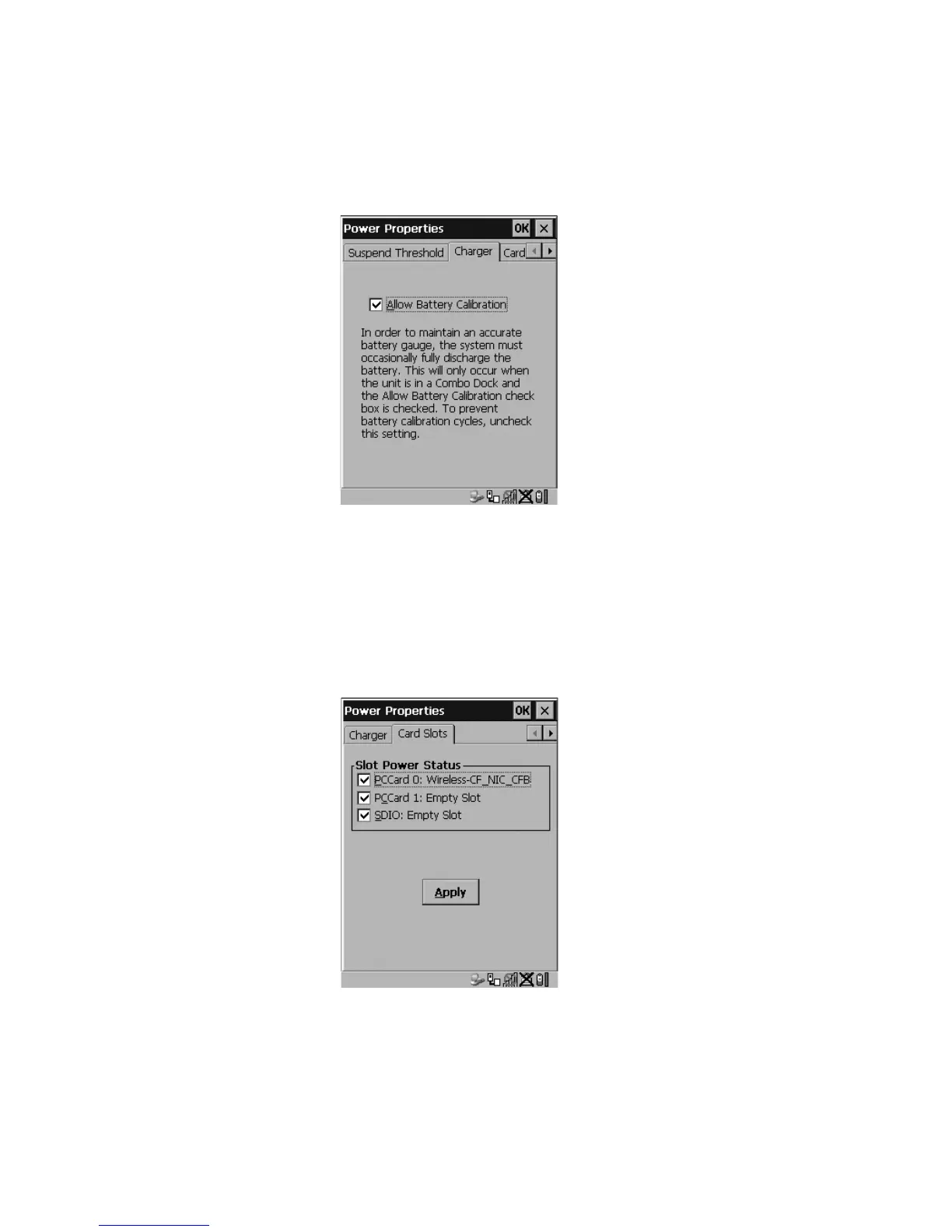
5.5.4.4 Charger
Figure 5.23 Charger Tab
Tapping in the checkbox next to Allow Battery Calibration allows the battery to be
recalibrated only when necessary if the unit is inserted in a Combo Docking station.
5.5.4.5 Card Slots
This tab enables or disables power to individual CF, PC Card and SDIO slots in the unit.
Figure 5.24 Card Slot Activation
Remember to tap on the Apply button and then tap on OK to save your changes.



 To Next Page