Psion Teklogix 7535/7530 Hand-Held Computer User Manual 251
Chapter 6: Tekterm Application
Display Options
6.13 Display Options
The ‘Display’ sub-menu is used to adjust your hand-held’s display properties.
• Press <F1> to open the ‘Display’ sub-menu.
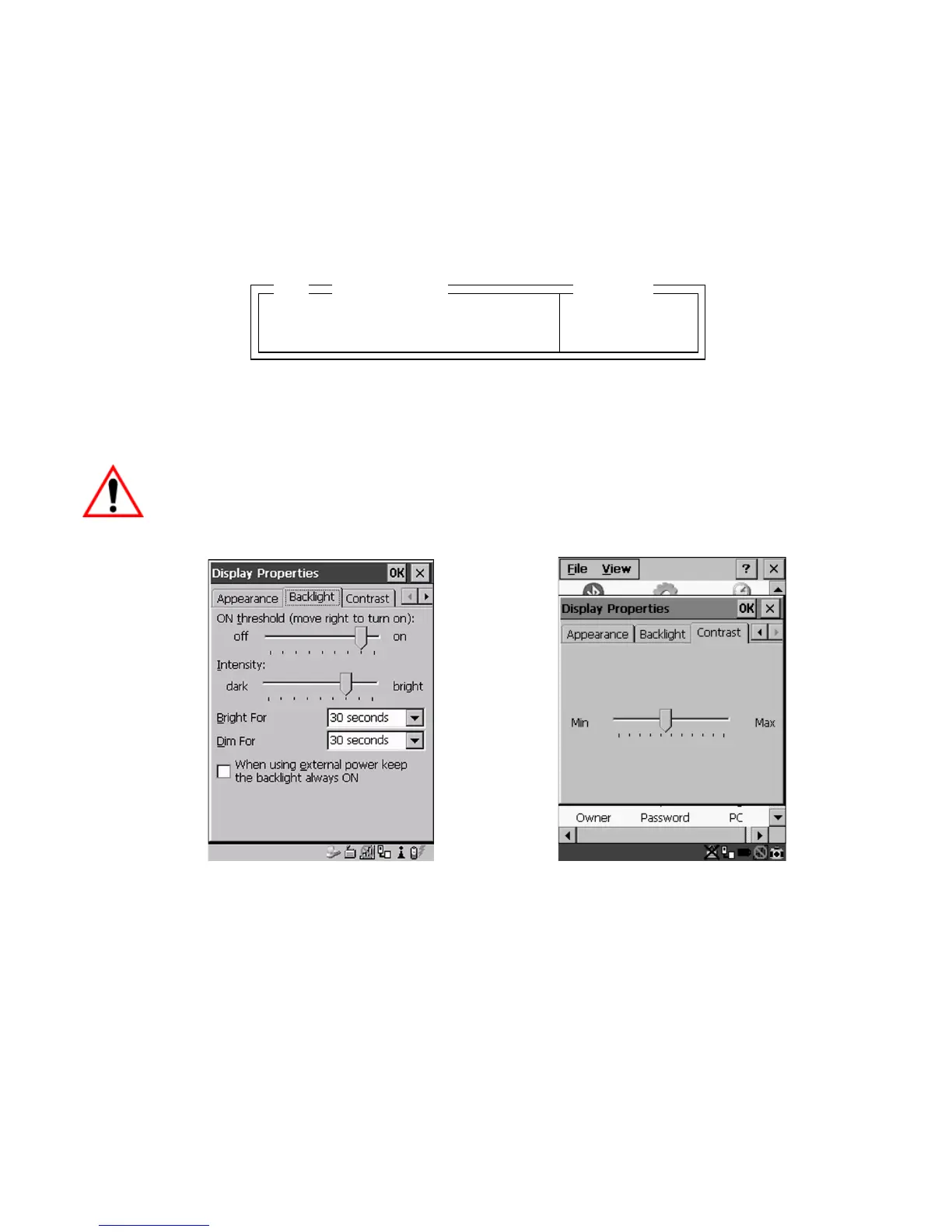
Double-tapping the “Backlight Ctrl Panel” parameter presents the Display
Properties dialog box where you can adjust the background, appearance, backlight
and contrast of your 7535/7530 display.
Important: ‘Display Properties’ dialog box options are described in detail
beginning on page 94.
Figure 6.5 Display Properties
6.14 More Parameters
The “More Parameters” sub-menus contain the Tekterm parameters and can only be
accessed with the proper security password – either a Supervisory or a Teklogix
password. (Refer to “Security Settings” on page 74 for details.).
Backlight Ctrl Panel » see text
Contrast Ctrl Panel » see text
02
Range
Display



 To Next Page