Psion Teklogix 7535/7530 Hand-Held Computer User Manual 193
Chapter 5: Configuration
Translations
5.10.8 Translations
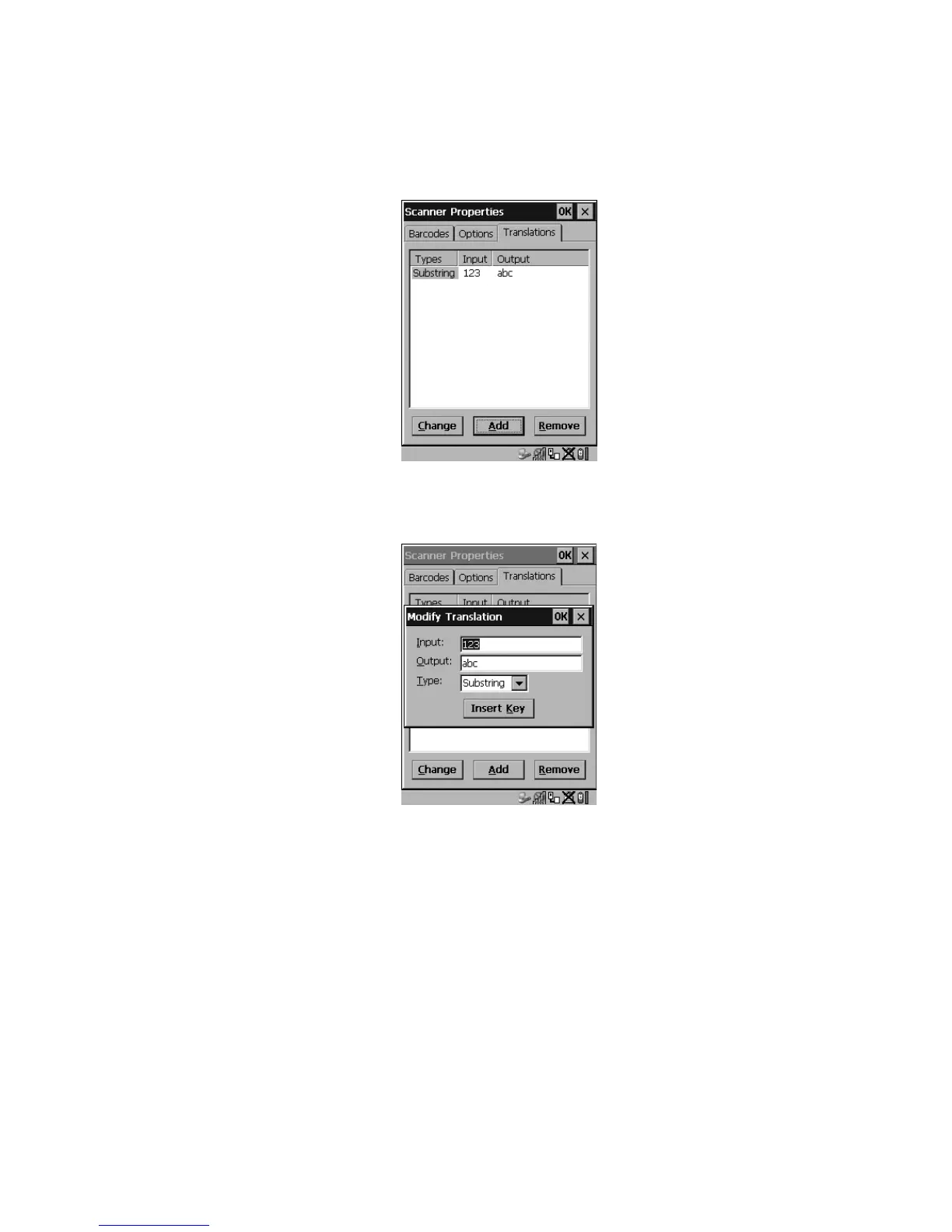
Figure 5.85 Translation Tab
•In the Translation tab, choose the Add button.
Figure 5.86 Translation Dialog Box
Input
This value is compared with the decoded bar code reading. If there is a match, the
“Output” string is translated into the decoded bar code.
Output
If there is a match between the decoded bar code and the corresponding “Input”
string, the decoded bar code will be translated into the “Output” string. This string
entry parameter can be null, or it may contain any combination of standard and
special characters (e.g., function keys, <ENTER>, etc.).



 To Next Page