Chapter 5: Configuration
Battery Capacity
110
Psion Teklogix 7535/7530 Hand-Held Computer User Manual
5.5.4.1 Battery Capacity
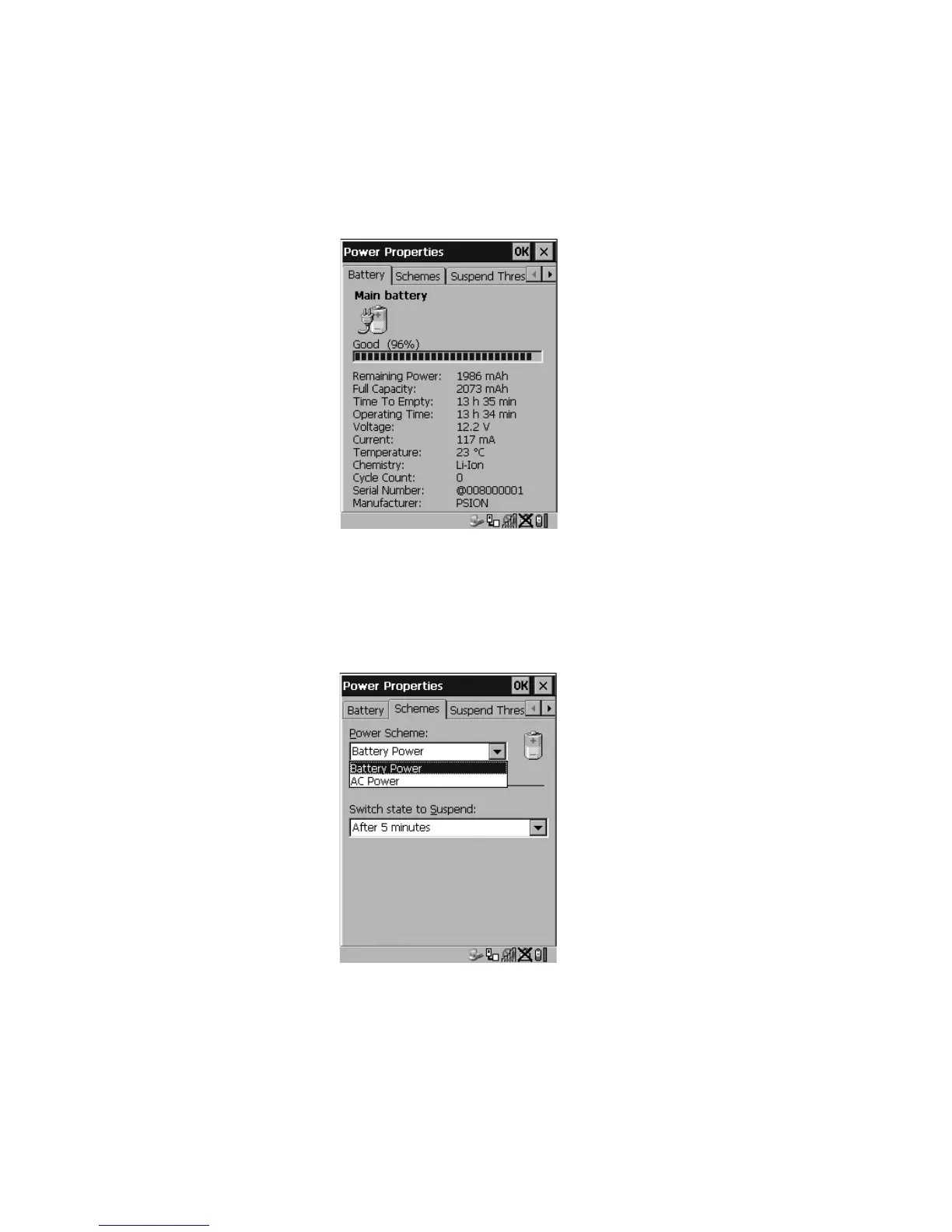
•In the Power Properties dialog box, open the Battery tab to view battery details.
Figure 5.20 Power Battery Properties
5.5.4.2 Power Saving Schemes
•In the Power Properties dialog box, open the Schemes tab.
Figure 5.21 Power Scheme Properties – AC Power And Battery Power
Power Scheme
This dropdown menu allows you to specify whether the unit is using AC Power or
Battery Power.



 To Next Page