Psion Teklogix 7535/7530 Hand-Held Computer User Manual 195
Chapter 5: Configuration
Contact Tab
5.11.1 Contact Tab
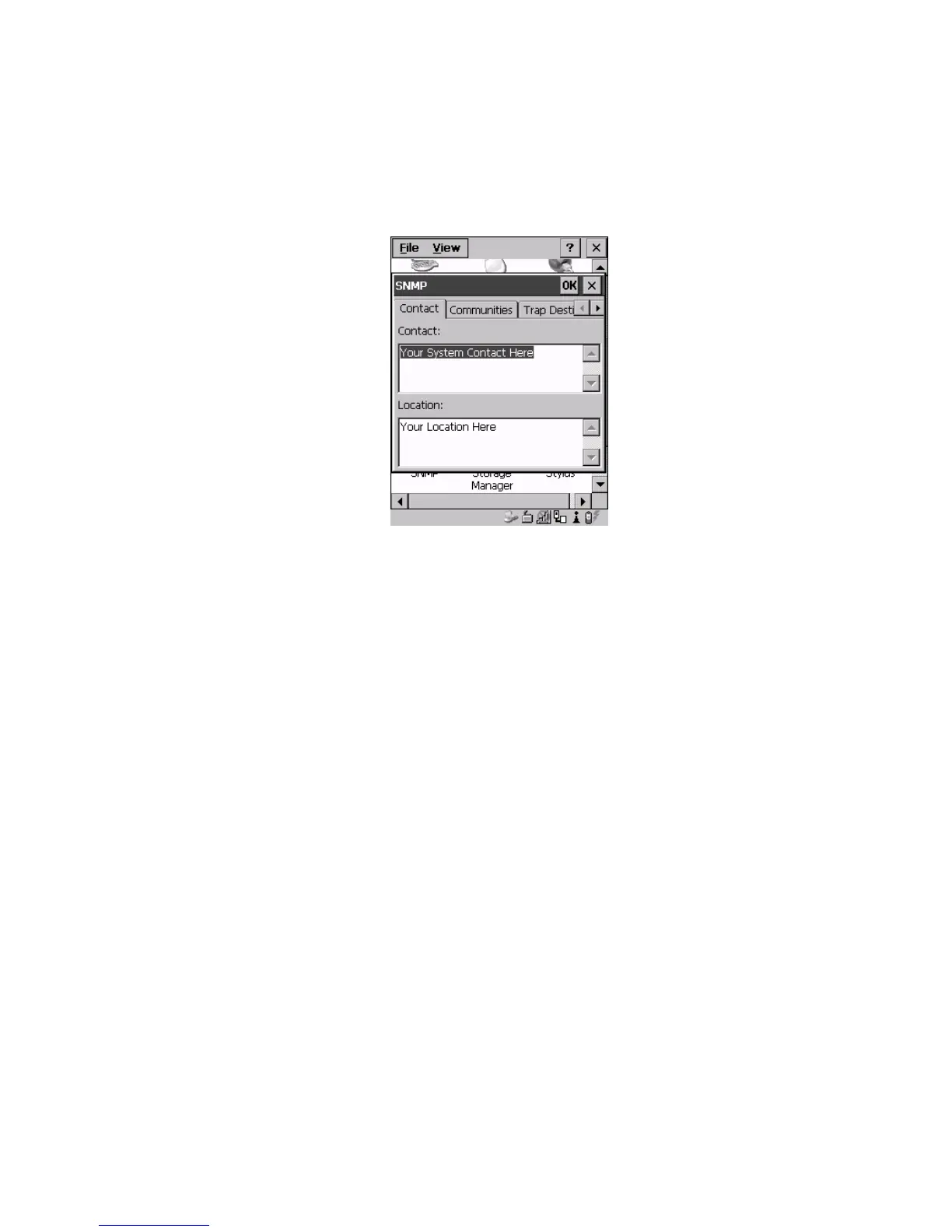
The SNMP dialog box is displayed.
Figure 5.88 Contact Tab
Contact
This field identifies the contact person for this managed node along with
information about how to get in touch with this person. The content of this
parameter is accessible through MIB-II’s sysContact object.
Location
This parameter is used to identify the physical location of this node (e.g., Warehouse
A: Pillar 32B). The content of this parameter is accessible through MIB-II’s
sysLocation object.



 To Next Page