Psion Teklogix 7535/7530 Hand-Held Computer User Manual B-5
Appendix B: RD7950 Integrated UHF RFID Reader (7535 Only)
Enabling The RD7950
B.2 Enabling The RD7950
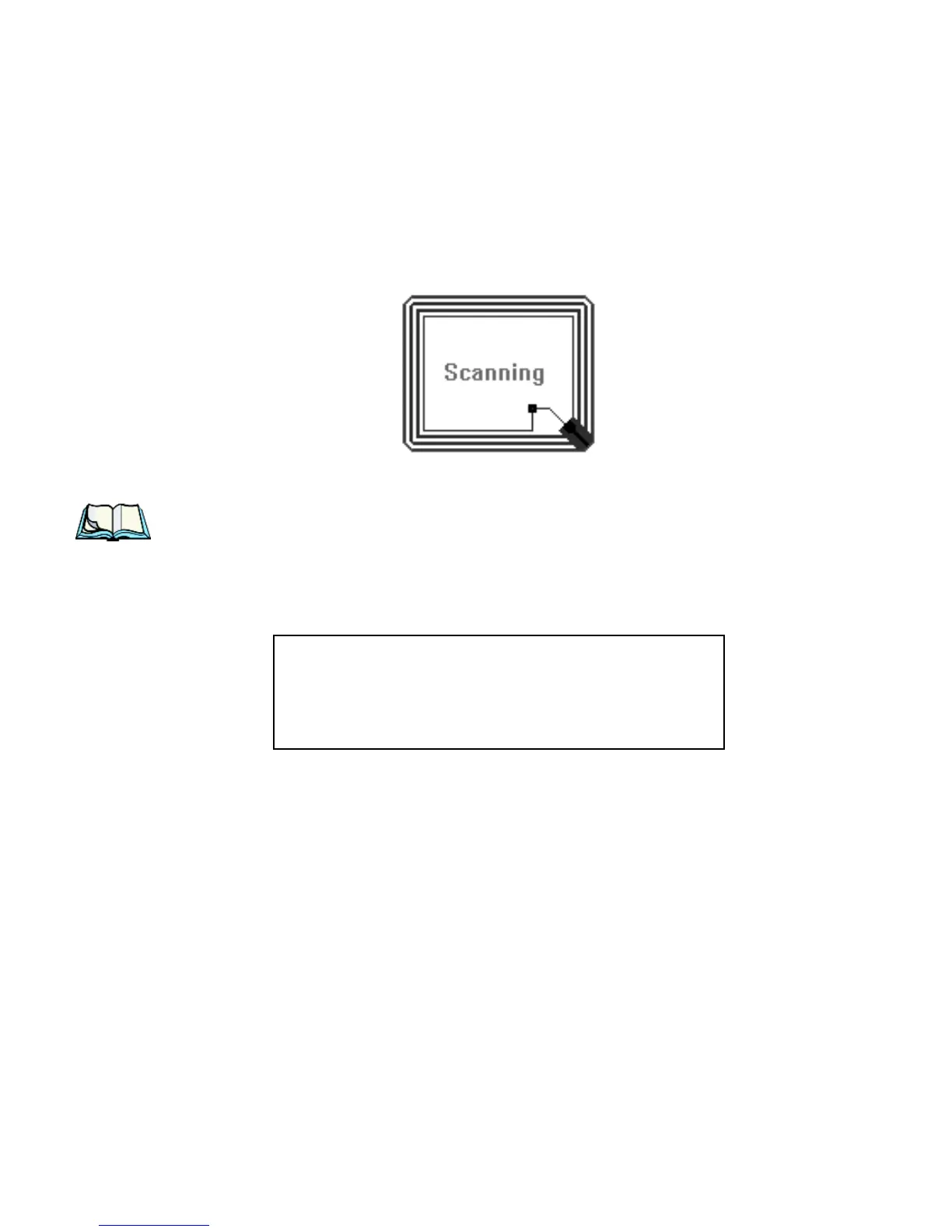
In the 7535, when the trigger source is selected for RFID usage, pressing the trigger
causes a Scanning icon to appear on the hand-held screen. While this icon is dis-
played, the RD7950 is powered on and is actively probing for RFID tags.
When the trigger is released, the image disappears, and the RD7950 is powered down.
Note: Refer to “RD7950 Integrated UHF RFID Reader (7535 Only)” on
page 369 for read and write specifications.
Warning: This portable RF transmitting device has been tested
and found to comply with FCC and IC RF exposure require-
ments with the maximum SAR of 0.xx Watts/Kg with body
tissue. The antenna used for this transmitter must not be co-
located in conjunction with any other antenna or transmitter.



 To Next Page