Chapter 5: Configuration
Volume And Sound Properties
108
Psion Teklogix 7535/7530 Hand-Held Computer User Manual
5.5.3 Volume And Sound Properties
Note: The conditions under which hand-helds emit sounds are tailored from
within the application installed on your unit.
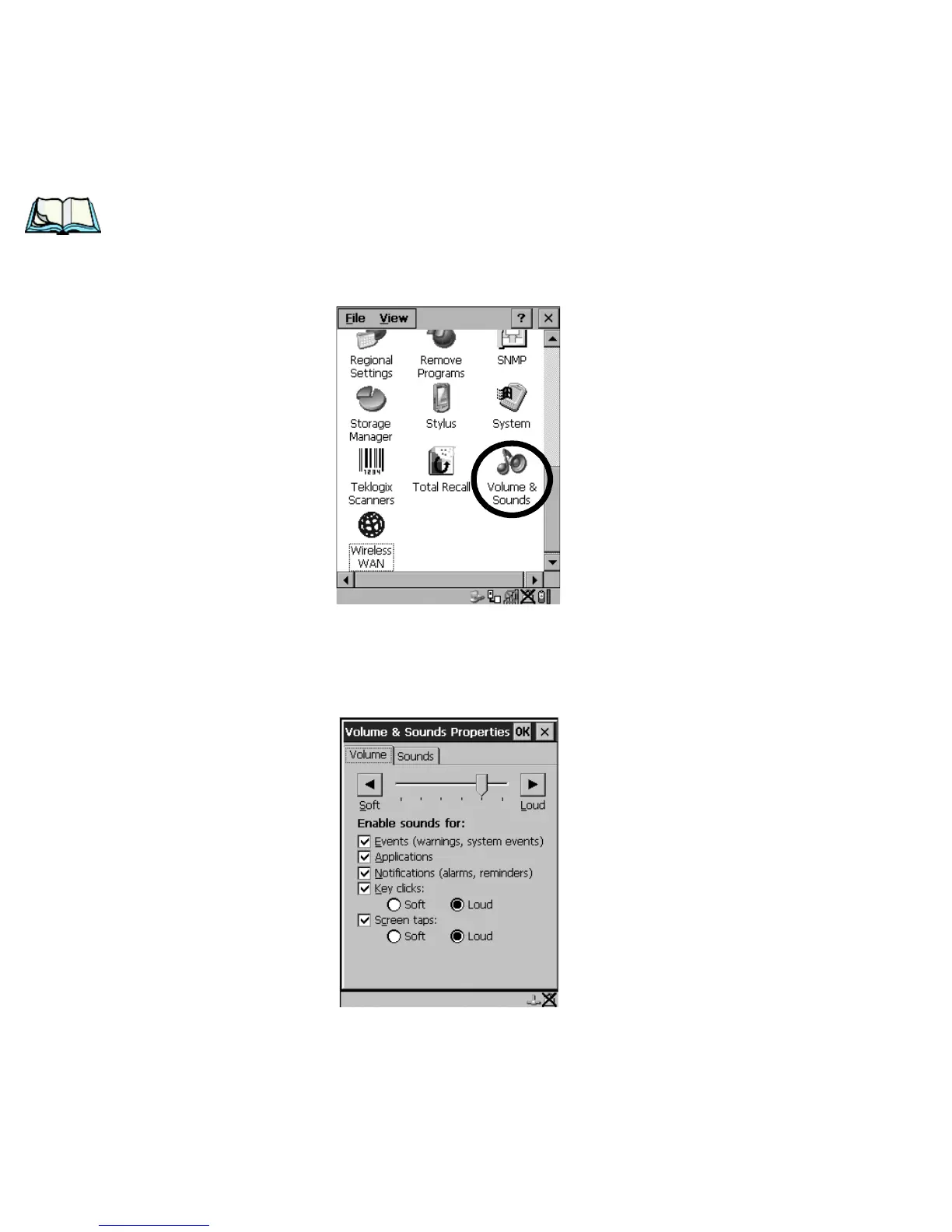
•In the Control Panel, choose the Volume & Sounds icon.
Figure 5.16 Choosing The Volume Icon
5.5.3.1 Volume Adjustments
Figure 5.17 Volume Settings
• Slide the volume button to the left to lower the beeper volume or to the right
to increase the beeper volume.



 To Next Page