Psion Teklogix 7535/7530 Hand-Held Computer User Manual 37
Chapter 3: Getting To Know Your 7535/7530
The Battery
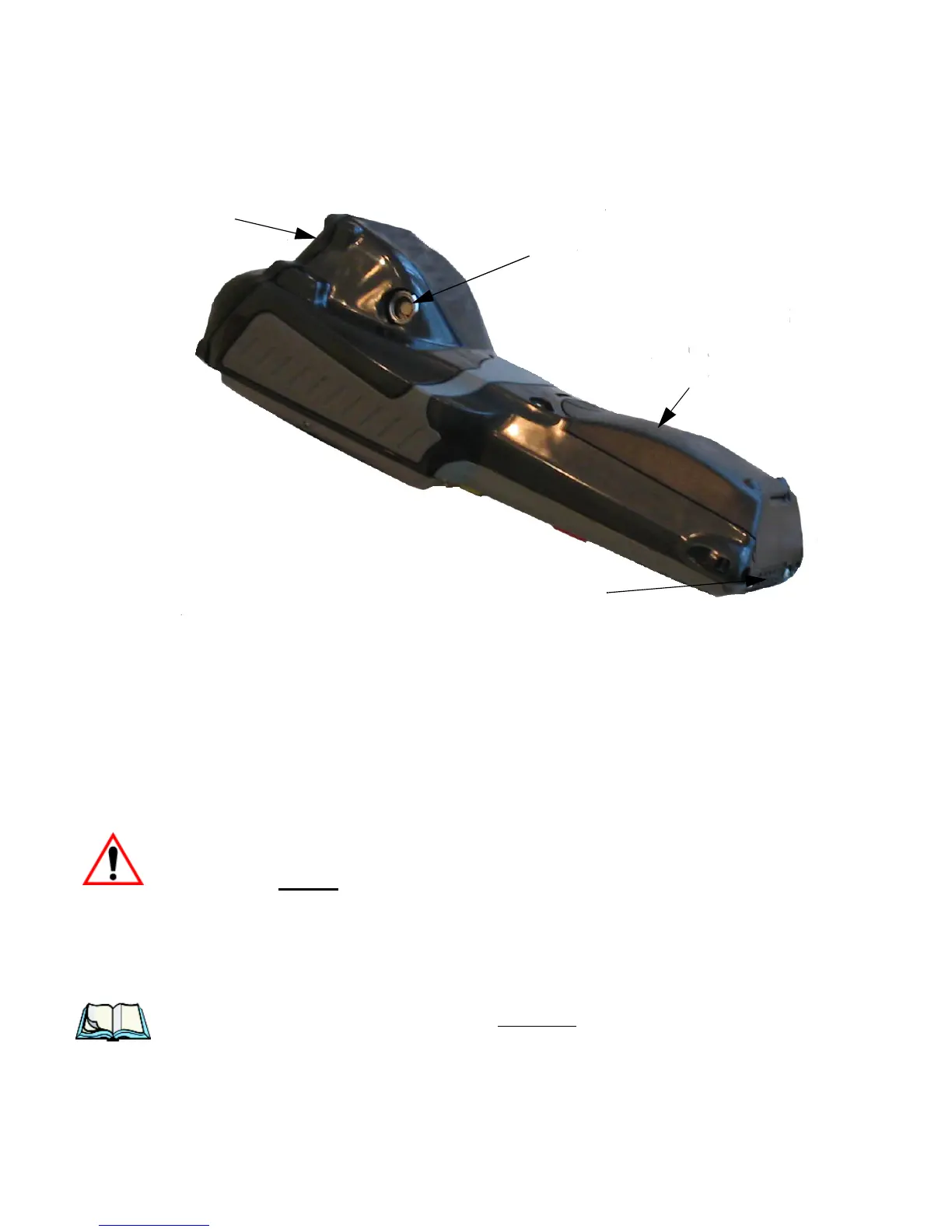
Figure 3.4 Back Of 7530
3.3 The Battery
The hand-held operates with a Lithium-Ion battery pack. Preparing the unit for
operation requires that a battery pack be charged and installed in the 7535/7530.
3.3.1 Battery Safety
Important: Before attempting to install, use or charge the battery pack, it is
critical
that you review and follow the important safety guidelines
in the section entitled “Lithium-Ion Battery Safety Precautions”
beginning on page 323.
3.3.2 Removing And Installing The Battery Pack
Note: TURN OFF THE HAND-HELD BEFORE REMOVING THE BATTERY
PACK. If you do not turn the hand-held off before removing the battery, it
may be necessary to reboot the unit. Any active sessions may be lost.
Tether Port
Docking Port
Battery Pack
Scanner Window



 To Next Page