Psion Teklogix 7535/7530 Hand-Held Computer User Manual 51
Chapter 3: Getting To Know Your 7535/7530
Onscreen Indicators
modifier key is pressed twice, it is ‘locked on’ and the onscreen indicator is
displayed in uppercase letters in the taskbar – for example, pressing <BLUE> twice
displays
BLUE KEY in the taskbar.
Battery Gauge
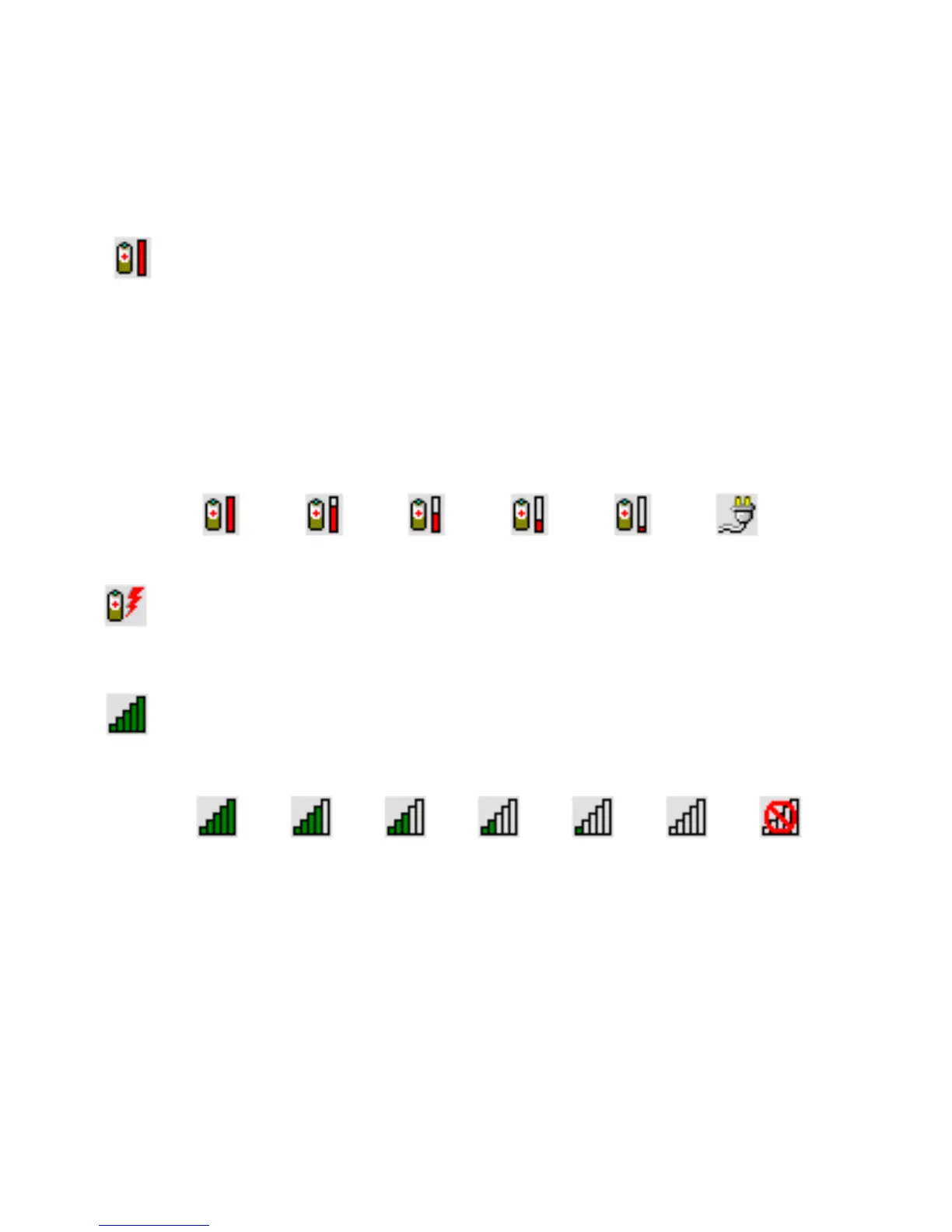
The battery shaped icon displayed in the taskbar provides a visual indication of the
remaining battery power. The icon acts as a meter that is either full, at three-quarter
level, half, quarter level or empty.
When the battery level is low – approximately 15 minutes from empty – a warning
window pops up. When the battery power is completely depleted, a final warning
window indicates that the 7535/7530 will be powered down.
If the 7535/7530 is using external AC power, an AC icon is displayed in the taskbar.
Battery Charge
The battery charge icon is displayed in the taskbar when the hand-held battery is
being charged.
802.11 Radio Signal Quality
Increasing radio signal quality is represented by longer, filled bars within this icon.
AC ConnectionFull
75%
50% 25% Empty
Good No Radio
Reception
Weak
Reception Link



 To Next Page