Psion Teklogix 7535/7530 Hand-Held Computer User Manual 129
Chapter 5: Configuration
The Bluetooth GPRS Phone
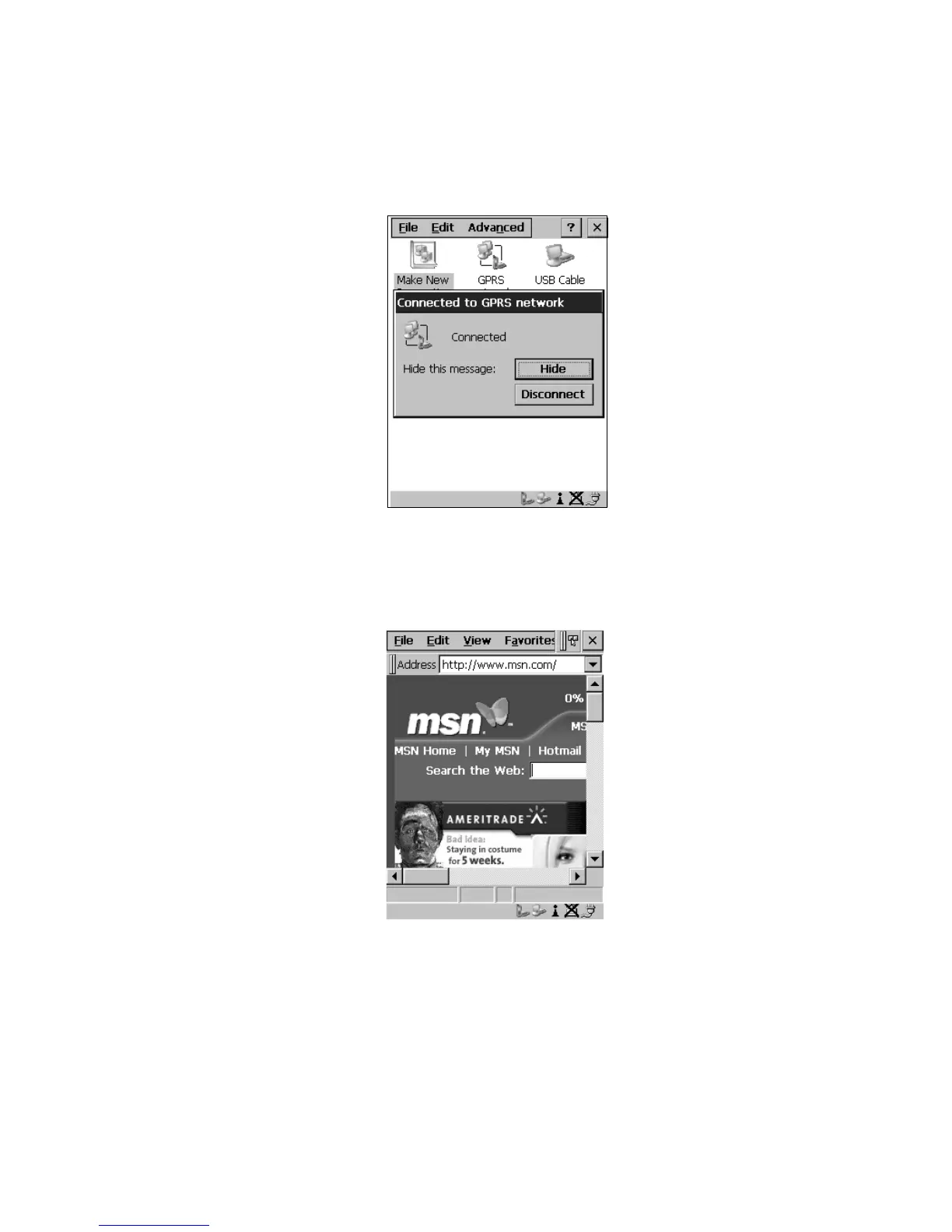
This onscreen message indicates the status of your connection – connected,
disconnected, error messages, and so on.
Figure 5.47 Successful Connection
• Select the Hide button to move this message to the background.
You can now access the internet.
Figure 5.48 Accessing The Internet



 To Next Page