Chapter 5: Configuration
The Bluetooth GPRS Phone
128
Psion Teklogix 7535/7530 Hand-Held Computer User Manual
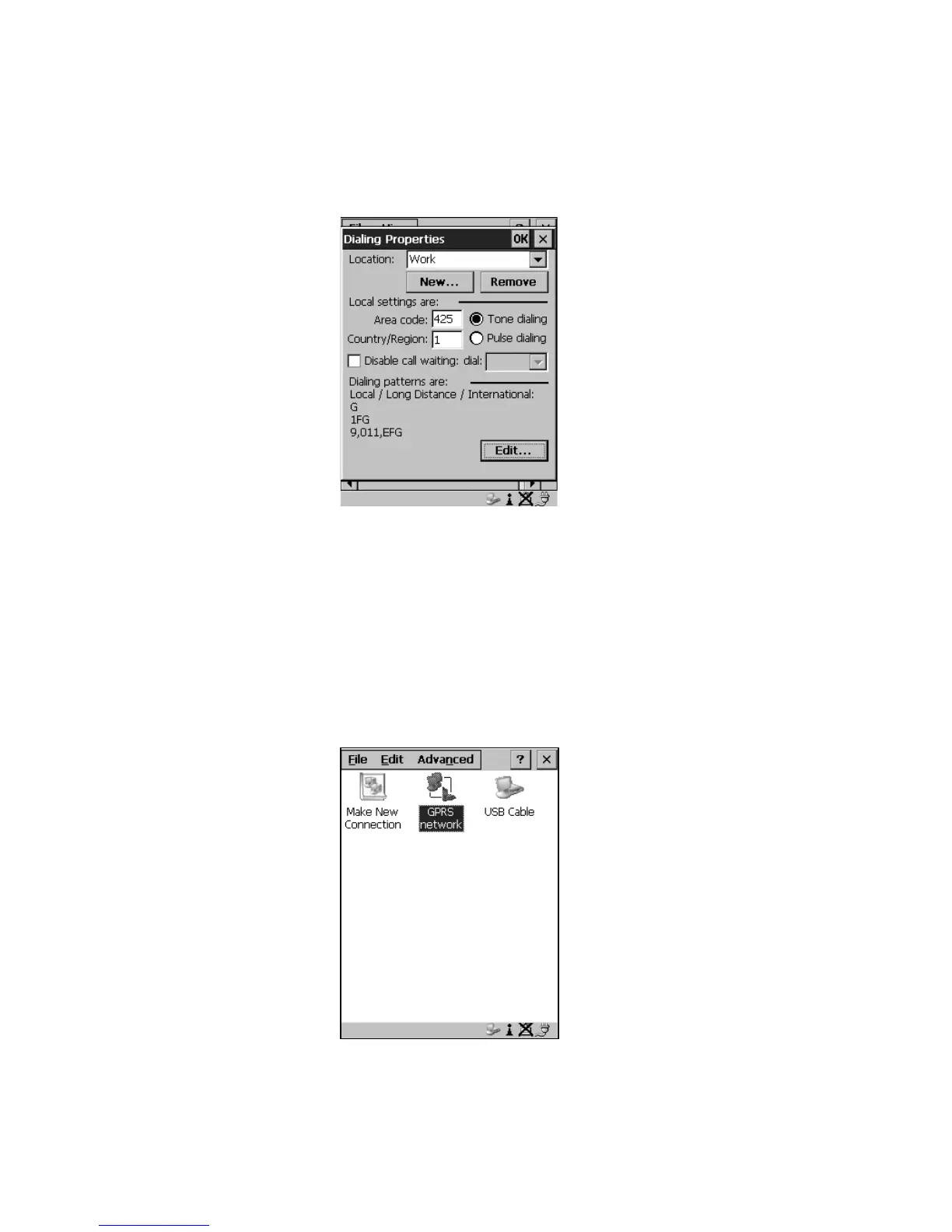
9. The values in the Dialing Properties dialog box need to be edited
according to your network carrier specifications.
Figure 5.45 Setting Up Dialing Properties
Once you’ve edited this dialog box to reflect your network carrier require-
ments, press <ENTER> to save your changes.
10. At this point, you’ll need to return to the Control Panel, and choose the
Network and Dial-up Connections icon.
11. In the network connection window, the new network configuration – in
this case – GPRS Network – is displayed. Choose the new icon.
Figure 5.46 GPRS Network Connection



 To Next Page