Chapter 5: Configuration
Keyboard Macro Keys
102
Psion Teklogix 7535/7530 Hand-Held Computer User Manual
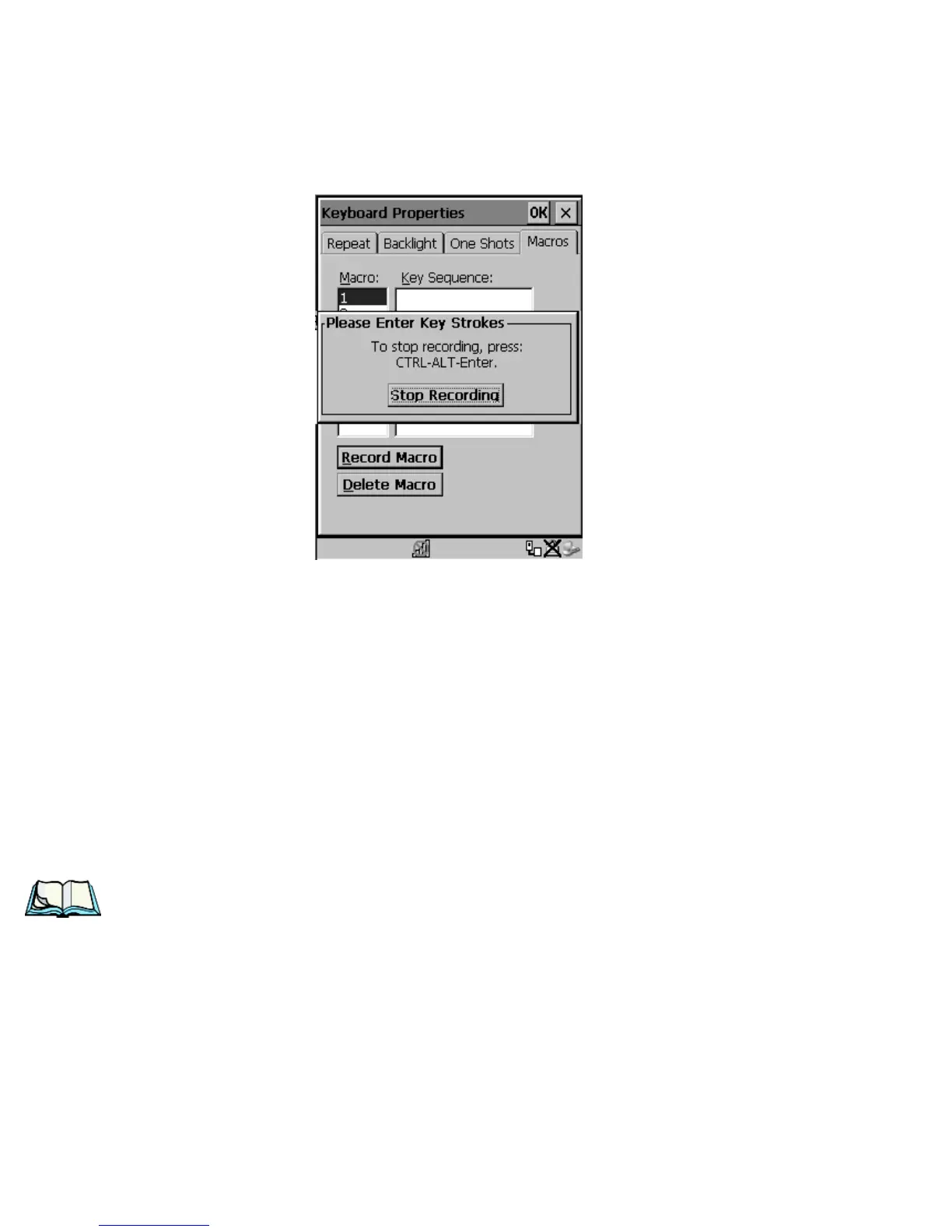
A message screen is displayed instructing you to Please Enter Key Strokes
Figure 5.11 Recording A Macro
• Type the macro sequence you want to assign to the Macro key. You can
type text and numbers, and you can program the function of special keys
into a macro.
• When you’ve finished recording your macro sequence, press
the key sequence – <CTRL> <ALT> <ENTER>, or choose the Stop
Recording button.
A new screen displays the macro sequence you created. The Save Macro button
is highlighted.
• Press <ENTER> to save your macro.
Note: If you want to discard the macro you’ve just created, highlight the
Discard Macro button, and press <ENTER>.
Executing A Macro
To execute a macro:
• Press the macro key to which you’ve assigned the macro. For example, if
you created a macro for macro key 1, press <M1> to execute the macro.



 To Next Page