Chapter 5: Configuration
The Bluetooth GPRS Phone
126
Psion Teklogix 7535/7530 Hand-Held Computer User Manual
The 7535/7530 communicates with your phone and retrieves the parameters
for the Device Properties dialog box. The 7535/7530 then disconnects.
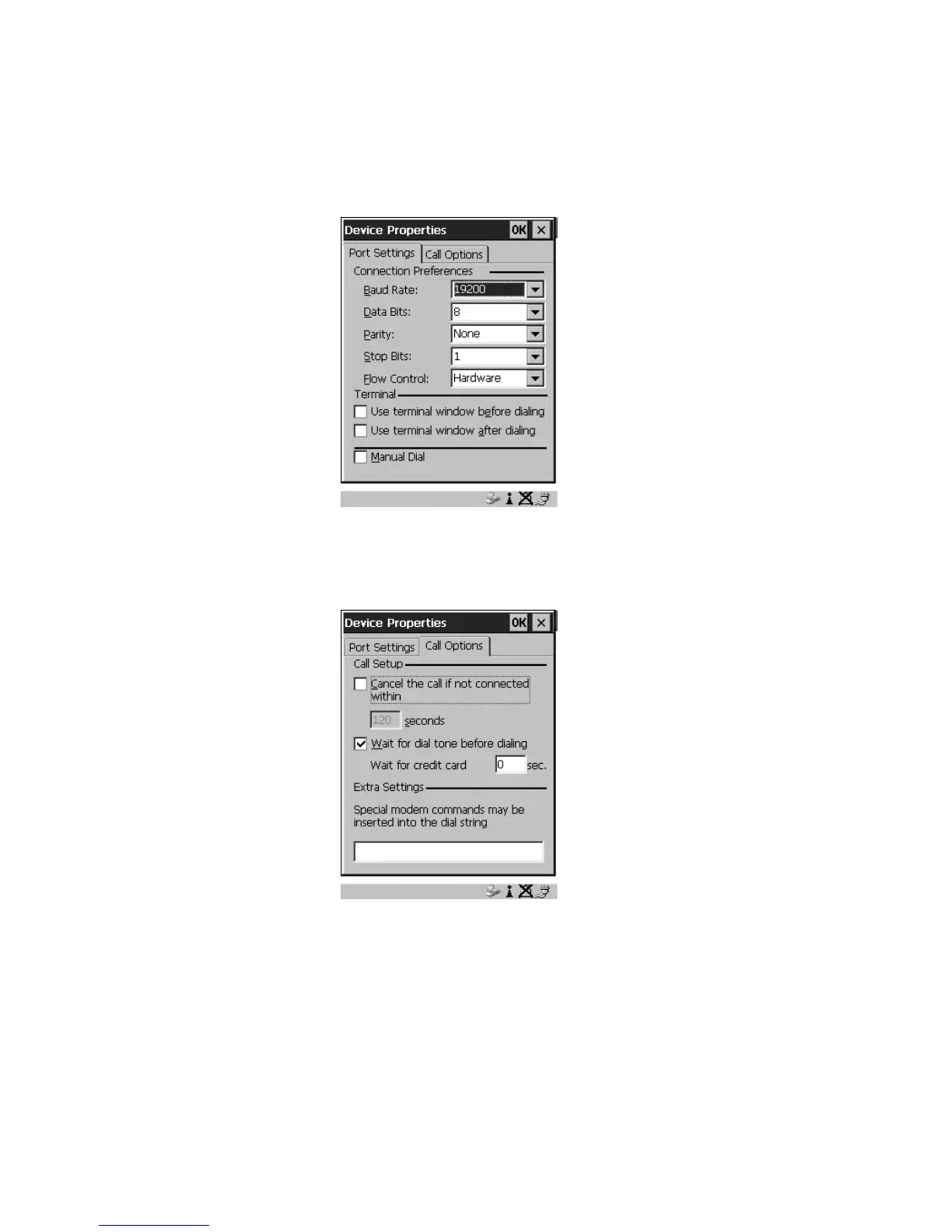
Figure 5.41 Port Settings
6. Under the Call Options tab, turn off Cancel the call if not connected
within, and press <ENTER> to save your changes.
Figure 5.42 Call Options



 To Next Page