Psion Teklogix 7535/7530 Hand-Held Computer User Manual 133
Chapter 5: Configuration
Creating A Backup Profile
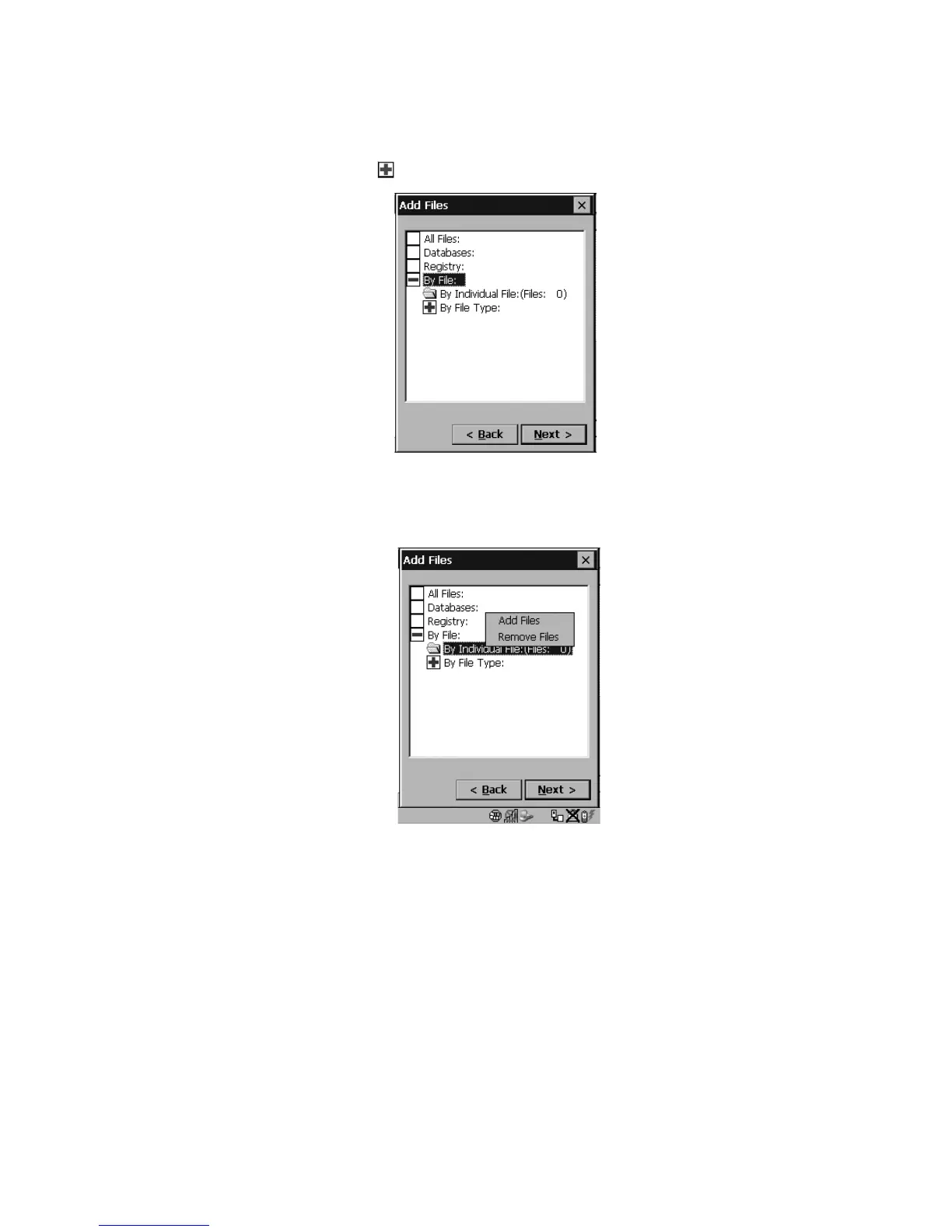
• Choose this icon next to By File to view your options.
Figure 5.54 By File Type
Choosing By Individual File displays a pop-up menu where you can tailor the list of
files you want to back up.
Figure 5.55 Add Files
To add a file to your backup list:
• Choose Add Files. Browse to and choose the files you want to add to
your list.
To remove a file from your backup list:
• Choose Remove Files – a dialog box is displayed listing the files that will
be backed up.
• Highlight the item you want to remove from the list, and tap on the
Remove button.



 To Next Page