Psion Teklogix 7535/7530 Hand-Held Computer User Manual 189
Chapter 5: Configuration
Tether Port
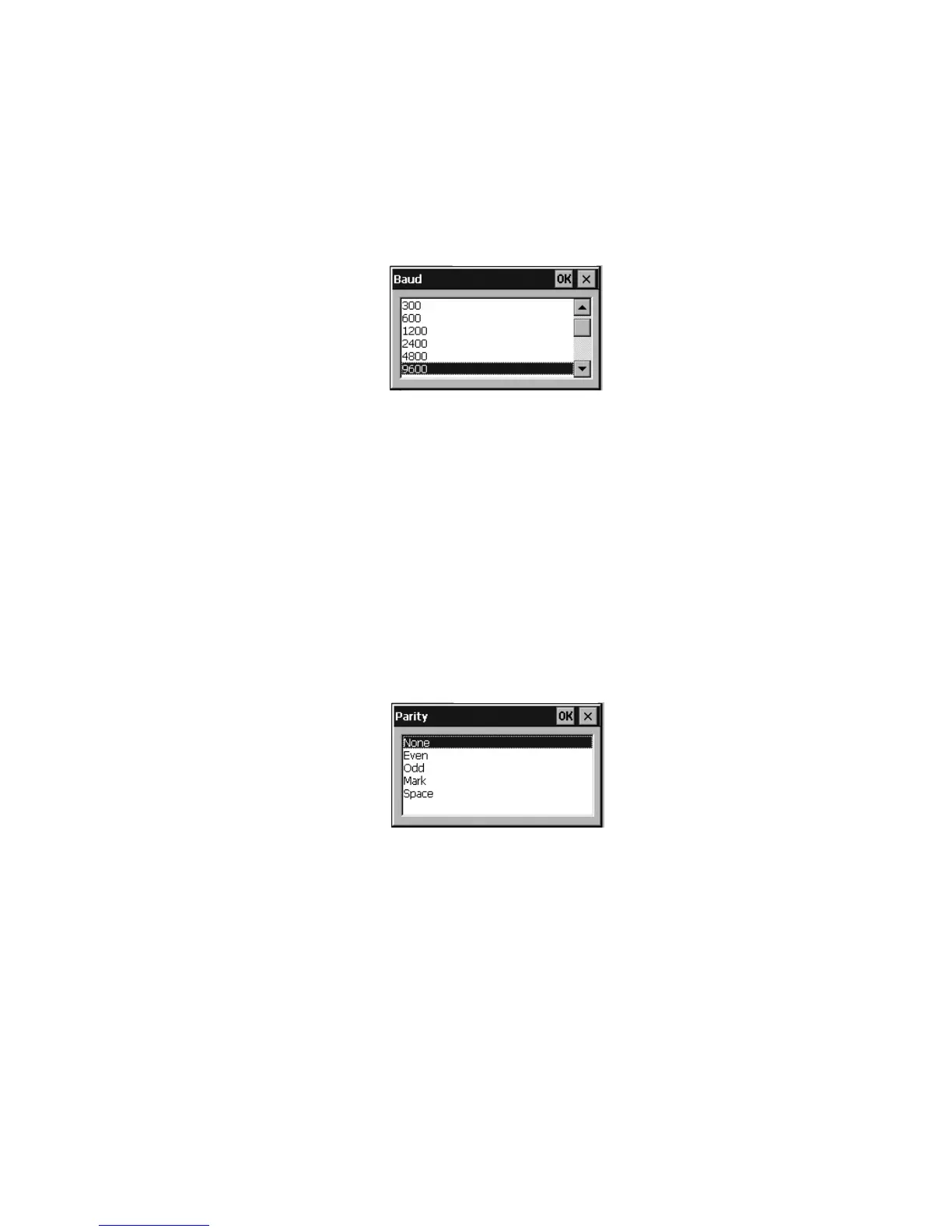
Baud
Double-tapping on this parameter displays a pop-up window in which you can
choose an appropriate baud rate.
Figure 5.81 Tether Port Baud Rates
Data Bits
This parameter determines the number of bits for the data going through this port.
Double-tapping on this option displays a pop-up window in which you can choose
either 7 or 8 data bits.
Parity
This parameter determines the type of parity checking used on the data going
through the tether port. Double-tapping on this option displays a pop-up window in
which you can choose the appropriate Parity.
Figure 5.82 Parity Settings
Stop Bits
This parameter specifies the number of stop bits – 1, 1.5 or 2 – used for asynchro-
nous communication.



 To Next Page