PathMaster® Manual Rev. H 6/03
- 28 -
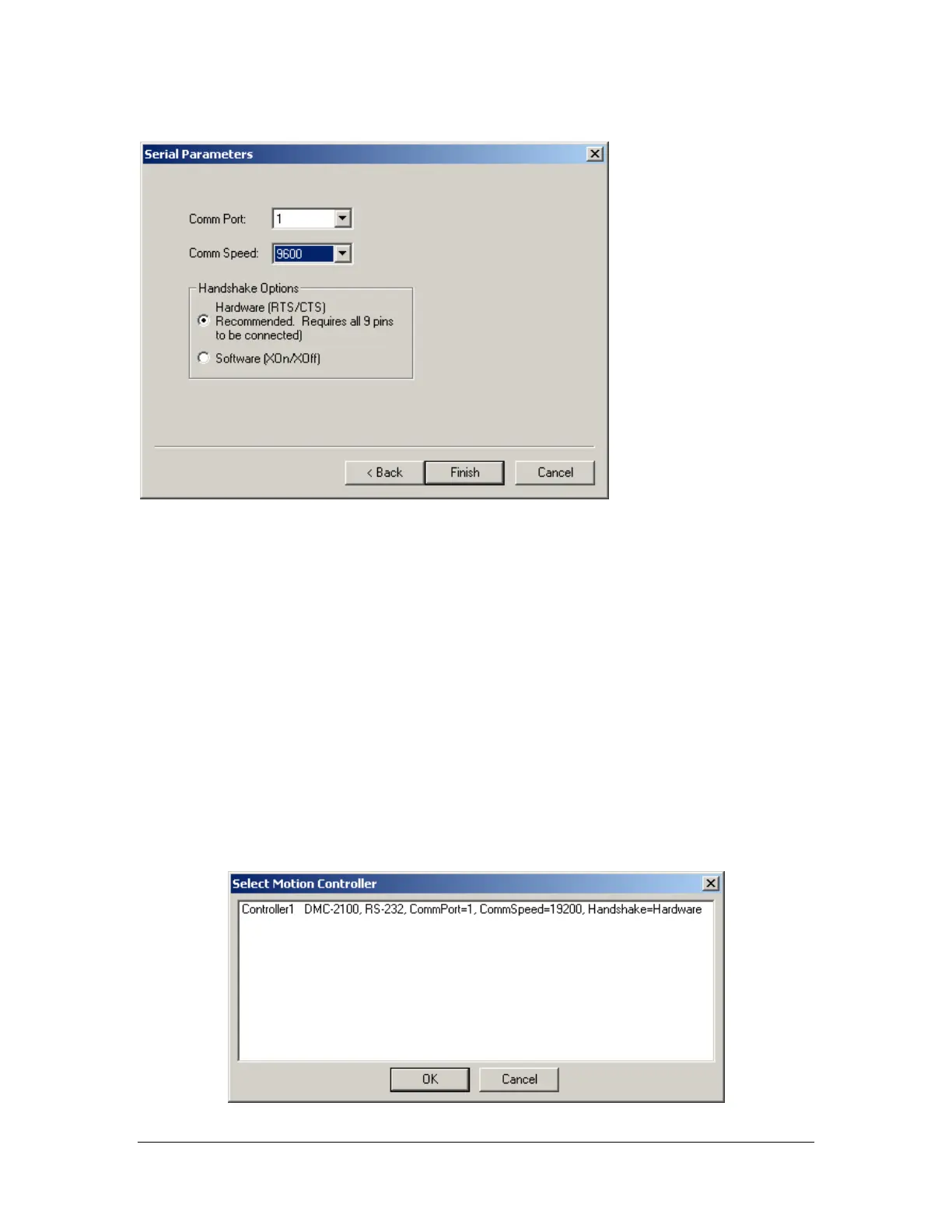
Select the communication port that your PC is using:
The Comm. Speed should match the comm. speed set on the controller. This is set to 9600 by Precision
Valve & Automation prior to shipping.
Select hardware handshaking.
- Click Finish -
Acknowledge the dialog box stating that the controller has been added.
• Control handle properties can be modified by highlighting the controller and clicking Properties.
• Multiple control handles can be added.
• Control handles can be deleted by clicking the Delete button.
- Click Close -
Once one or more control handles have been created, you must select the control handle that PathMaster®
will use to communicate with the Dispensing System. To select a control handle:
• Click the Change Controller button on the Machine Parameters form.



 To Next Page