SECTION 3
OPERATING PRINTER
21
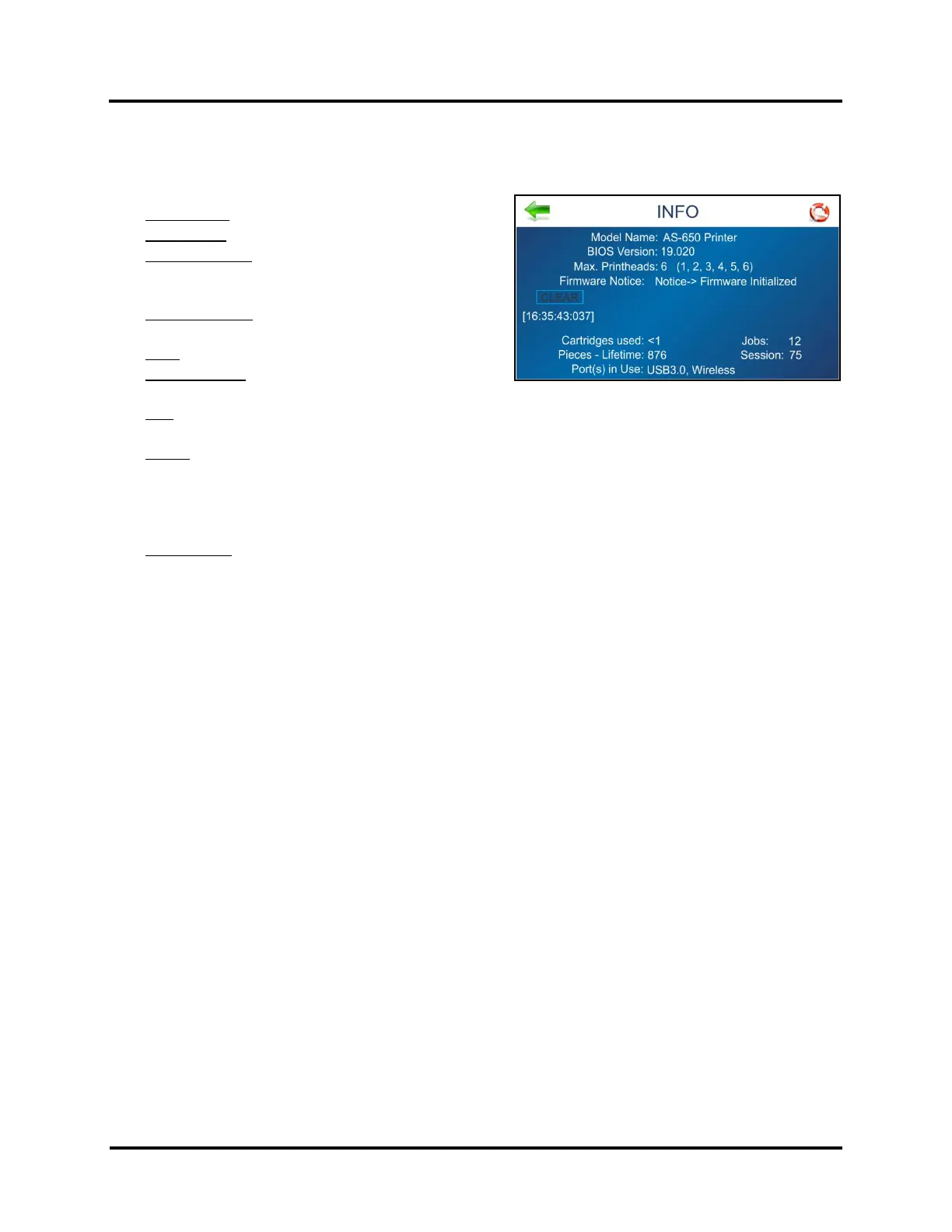
INFO Screen
Displays information about the Printer.
Model Name: Printer model.
BIOS version: Current version of firmware installed.
Max. Printheads: Max number of Printhead positions.
number = printhead installed in this position
x = printhead missing or unrecognized
Firmware Notice: Displays firmware status.
Press the “CLEAR” button to remove the notice.
Clock: Displays current time (hh:mm:ss.ms)
Cartridges used (non-resettable): Total number of ink
cartridges emptied by the Printer.
Jobs: Total number of jobs run on the Printer since last power-up or Restart. Does NOT include internal
Images or Test Prints; except for Purge First Piece.
Pieces:
Lifetime (non-resettable): Total number of pieces that have been printed by the Printer. Includes internal
Images, Test Prints and Test Feeds.
Session: Total number of pieces printed by the Printer since last power-up or Restart. Does NOT include
internal Images or Test Prints; except for Purge First Piece.
Port(s) in Use: Displays which Printer ports are enabled (available for use). If an active wireless connection is
currently established, the WiFi Name will also be displayed.
NOTE: A technician can disable or enable Printer Ports from the “Service Menu”. Disabling unused Ports may
speed Printer boot-up process.



 To Next Page