SECTION 3
OPERATING PRINTER
37
Pause/Resume Key
When running a job, you can use the Pause/Resume Key on the Control Panel to PAUSE and RESUME the
current job.
While job is printing, press this key to PAUSE the job.
Press this key again to RESUME the job.
NOTE: You can also perform these functions using the PAUSE/PLAY buttons from the Touchscreen (Print Data
screen).
Pass-Through Key
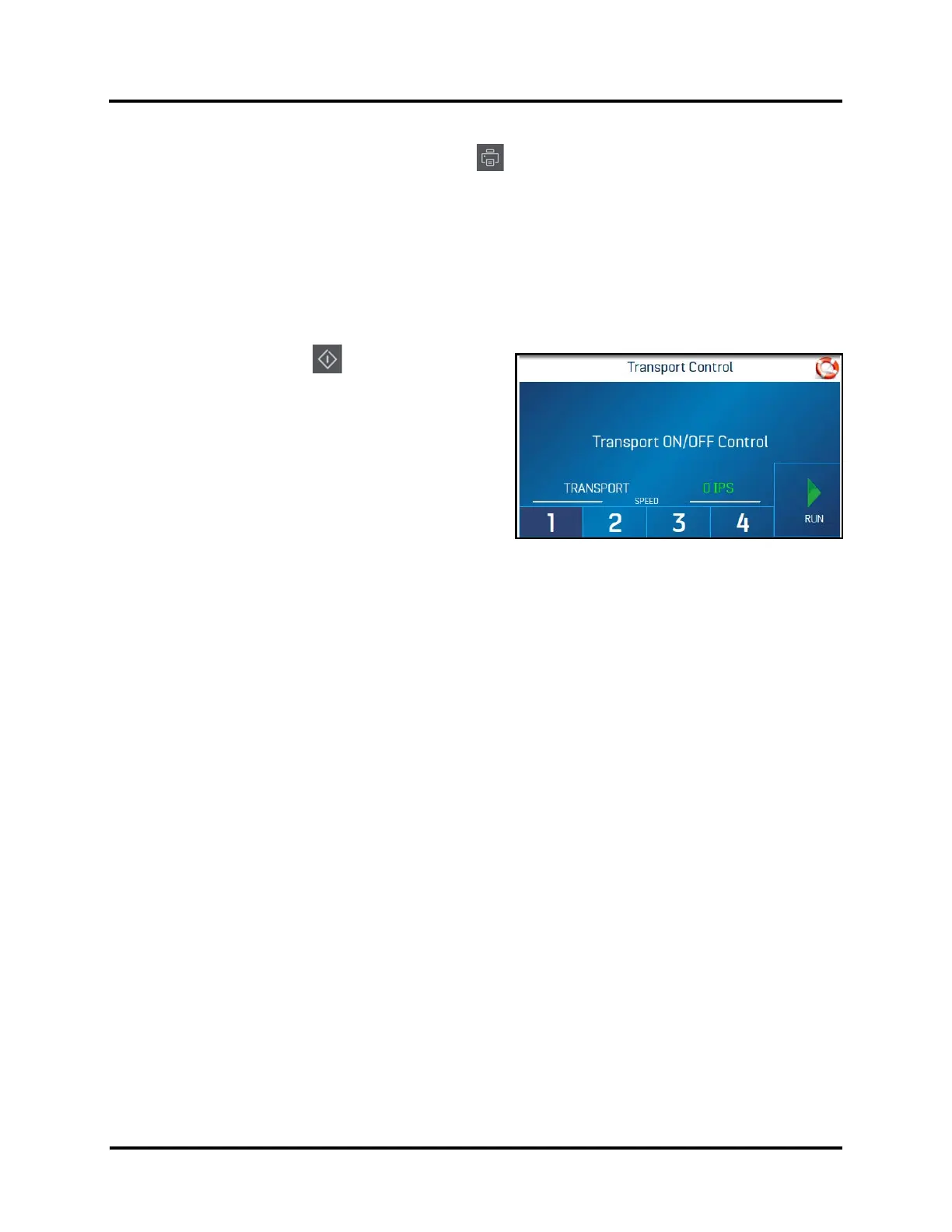
Pressing the Pass-Through Key , on the Control Panel,
opens the Transport Control screen, which allows the
Printers transport to operate without feeding additional
media from the feeder (feed section). This can be used to
eject any media under the Printheads.
Transport Speed can be adjusted using buttons 1, 2, 3, 4.
Press RUN to start the printer transport system.
Press STOP to stop the printer transport system.
To EXIT the Transport Control screen, you must press the
Pass-Through key on the Control Panel.



 To Next Page