SECTION 4
MAINTENANCE
62
Ink Cartridge Care – Solvent Inks
Before Installing Cartridges into Printer
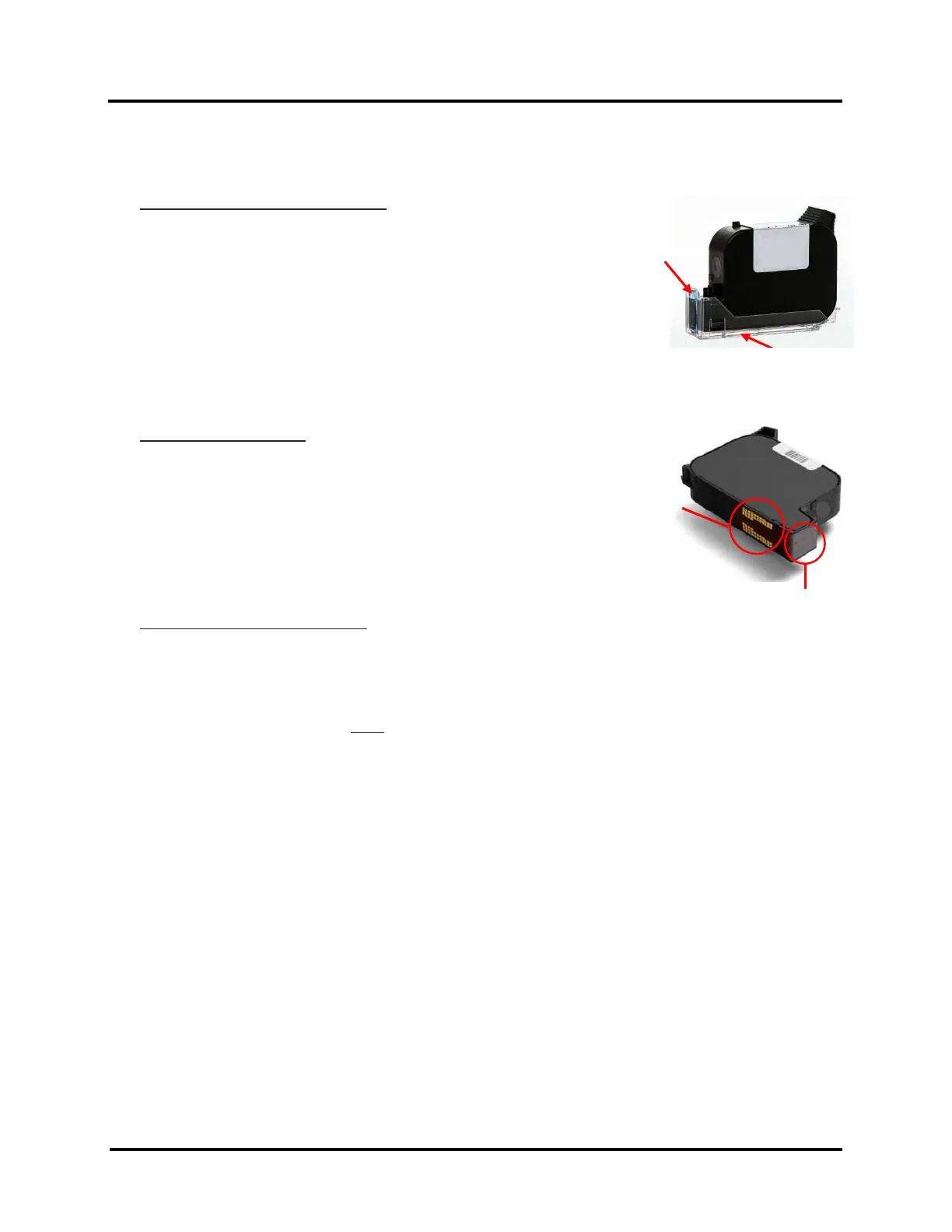
1. Remove Ink Cartridge from Storage Clip.
TIP: To avoid mixing Storage Clips used with Water-Based and
Solvent inks, mark Water-Based Storage Clips with “W” and
Solvent Storage Clips with “S”.
2. Clean Pad, in the Storage Clip, as described on next page.
3. Clean Ink Cartridge nozzles, as described on next page
4. Install Ink Cartridge into printer as described in section titled
“Install Ink Cartridges (Printheads)”.
During Printing as Needed (If you experience clogged nozzles during printing)
1. PAUSE printer.
2. Remove Ink Cartridge from printer.
3. Clean Ink Cartridge nozzles as described on next page.
4. Install Ink Cartridge into printer as described in section titled
“Install Ink Cartridges (Printheads)”.
5. Press RESUME to continue printing.
When Ink Cartridges are Not In Use:
Ink Cartridges must be properly cleaned and stored when not in use.
1. Remove Ink Cartridge from printer.
2. Verify that Pad, in the Storage Clip, is clean. If not, clean as described on next page.
3. Clean Ink Cartridge nozzles, as described on next page.
4. Install Ink Cartridge into clean Storage Clip.
NOTE: Storage Clips from Water-Based Ink Cartridges should not be used with Solvent Ink Cartridges
and vice-versa.
5. Place sealed Cartridge, with contacts facing down, into a tightly sealed storage container.
6. Store in a cool, dry and well-ventilated place.



 To Next Page