SECTION 3
OPERATING PRINTER
40
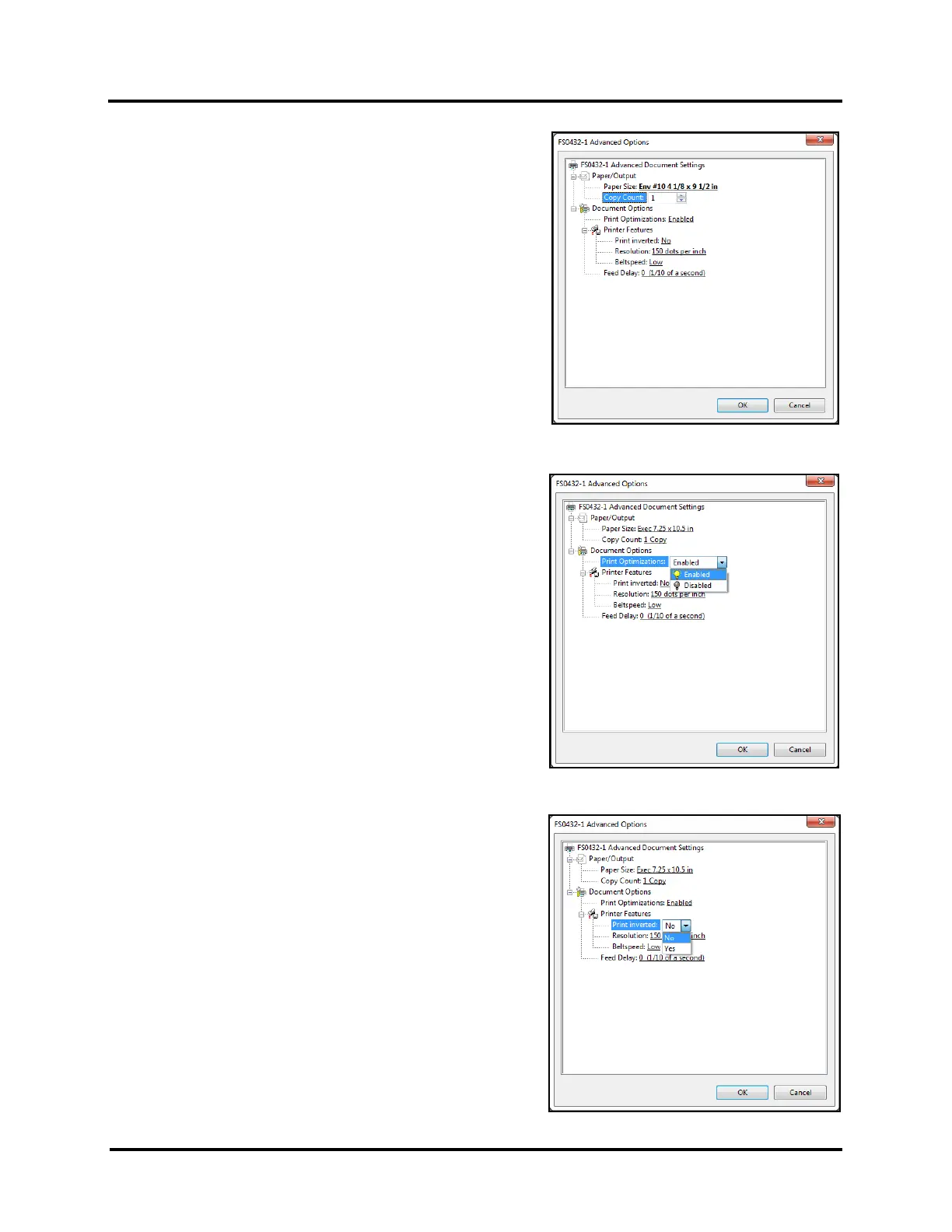
Copy Count:
Use to select the number of copies to print.
Document Options
Print Optimizations:
Please be sure that Enabled is selected.
Enabled – All fonts are downloaded to the printer, as bitmap soft
fonts, once during print job.
Disabled – Each character is sent as a graphic, every time it is
used. This will greatly increase the volume of data being sent,
which will likely make printing slower.
Printer Features
Set print Resolution (print quality) and Printer speed (Beltspeed).
Add a Feed Delay to provide more dry-time between printed
pieces.
Print inverted:
Set print orientation. No (normal), Yes (180 degree rotation)



 To Next Page