SECTION 2
INSTALLING PRINTER
9
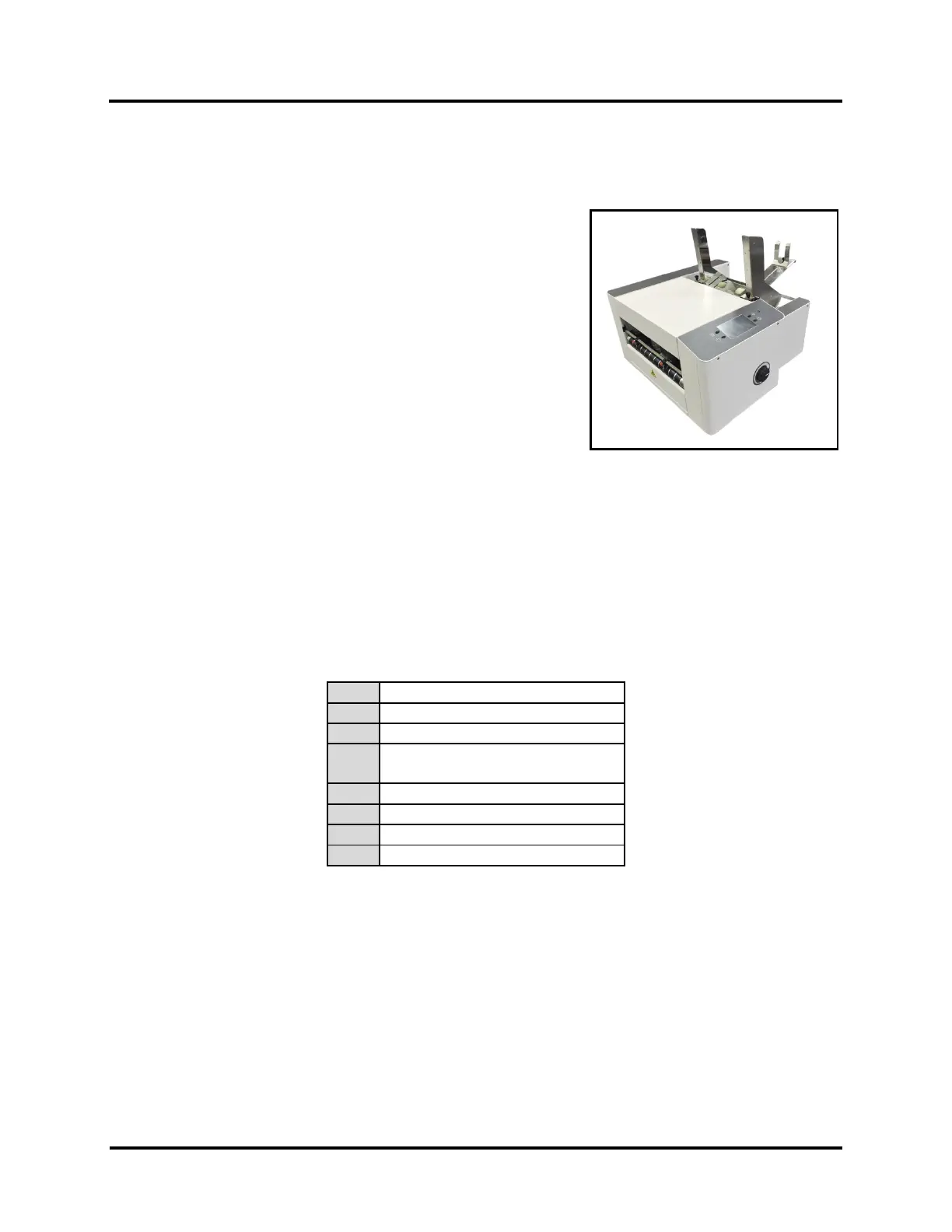
SECTION 2 – Install Printer
Before using Printer:
• Choose a location for Printer
• Assemble Printer
• Plug in Printer and connect it to computer
• Install Printer Driver on computer
Choose a Location
Place Printer on a sturdy worktable or cabinet at least 12" (30.5 cm) from any walls. Protect Printer from
excessive heat, dust, and moisture – avoid placing it in direct sunlight.
Contents of Packaging
4.
USB Flash Drive (Includes Printer
Driver, User Guide)
Rear Media Support & Wedge



 To Next Page