SECTION 3
OPERATING PRINTER
35
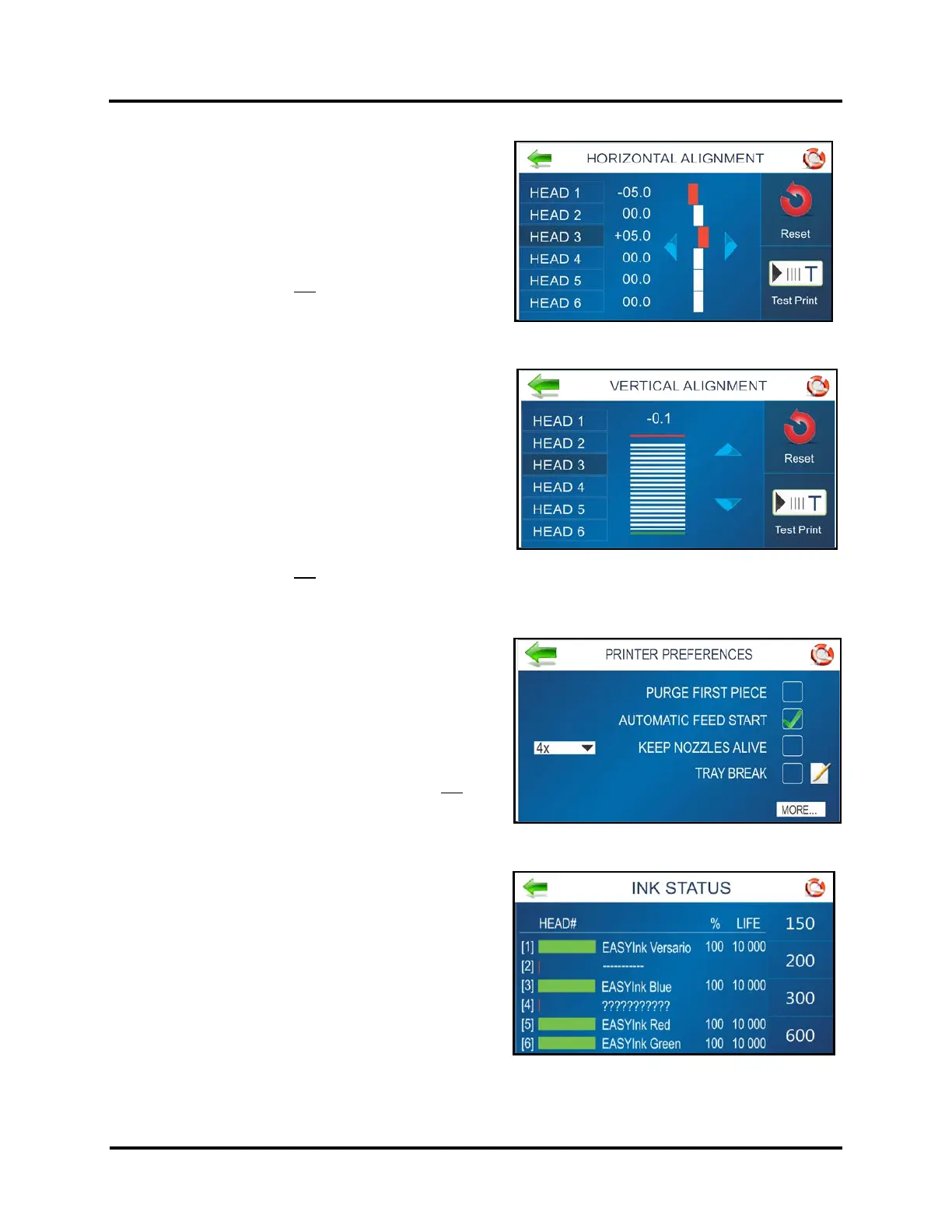
Horizontal Alignment
Adjust offset of individual Printheads (side-to-side)
Range: ±100 (each step is 1/1000 of an inch).
Press “Test Print” to check alignment.
Press “Reset” to set all values back to zero.
See “HORIZONTAL ALIGNMENT”, in section titled “Using
the Touchscreen”, for more details.
NOTICE: This feature is not accessible when there is job
data in the printer.
Vertical Alignment
Use this feature to disable/enable top nozzles, in
individual Printheads, to fine-adjust nozzle overlap.
Range: ±12 (each step is 1/1000 of an inch).
NOTE: You can NOT adjust the vertical alignment of
HEAD 1, since this is the reference position.
Press “Test Print” to check alignment.
Press “Reset” to set all values back to zero.
See “VERTICAL ALIGNMENT”, in section titled “Using the
Touchscreen”, for more details.
NOTICE: This feature is not accessible when there is job data in the printer.
Printer Preferences
Select and set various Printer features including Purge
First Piece, Automatic Feed Start, Keep Nozzle Alive,
Tray Break, Continuous Batch Counter and Feeder
Delay.
See “PRINTER PREFERENCES”, in section titled “Using
the Touchscreen”, for more details.
NOTICE: Some Printer Preference features are not
accessible when there is job data in the printer.
Ink Status
Shows the percentage (%) of ink remaining in each Ink
Cartridge (HEAD#) and the estimated number of prints
(LIFE) remaining at a selected print quality (resolution).
Select a Resolution from the choices (150, 200, 300,
600) on the right-hand side of the screen.
NOTE: Estimation is based on the last page printed.
See “Ink Status” in section titled “Using the
Touchscreen”, for more details.



 To Next Page