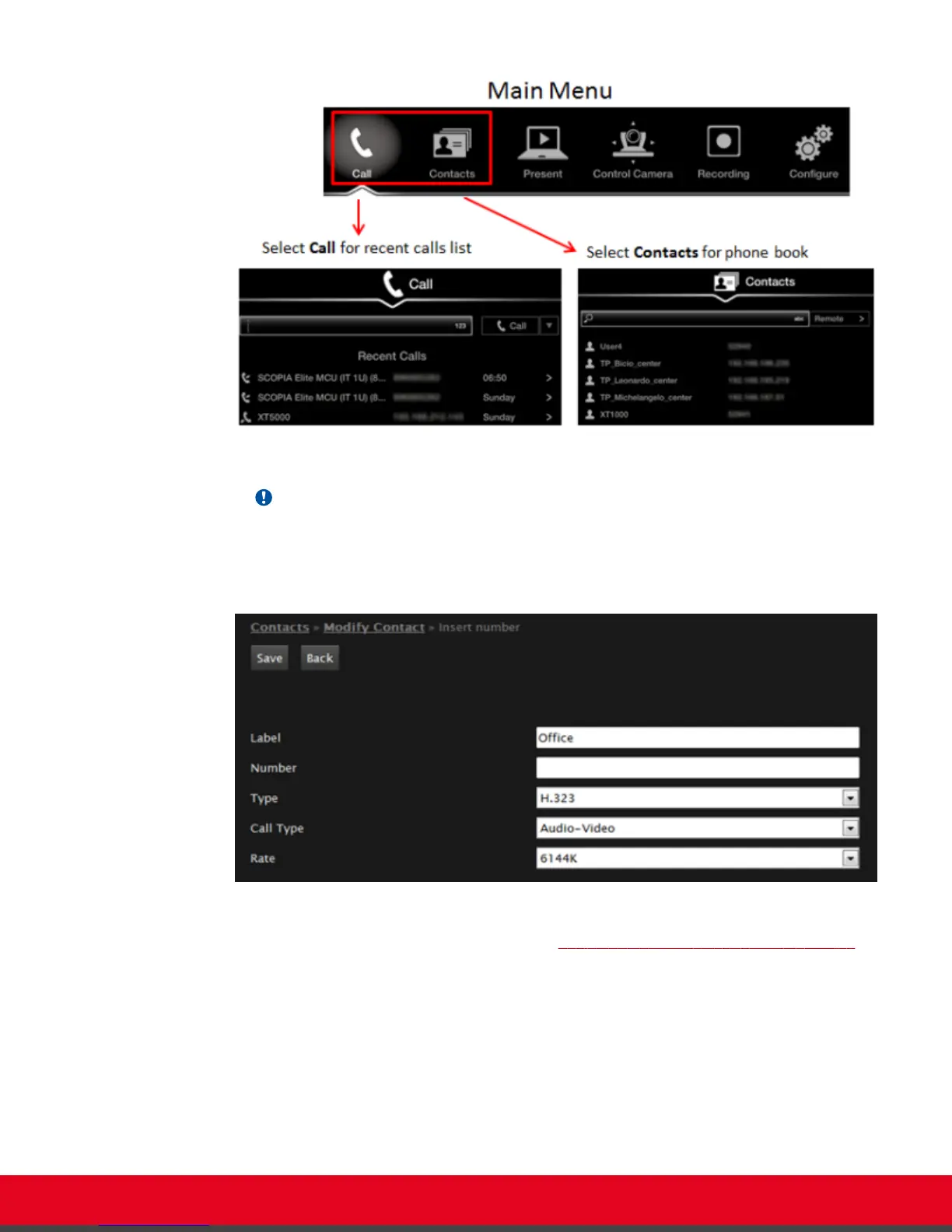
Figure 20: Accessing recent calls and contacts
Important:
You can also choose a contact to edit, from either the Recent Calls or Contact list.
2. Select the Plus icon next to Insert number.
Figure 21: Entering contact dialing information from the web interface
3. Enter the required information, as described in Table 3: Entering contact's basic information
on page 35.
User Guide for Scopia XT5000 Series Version 3.2 Starting a Videoconference | 34



 To Next Page