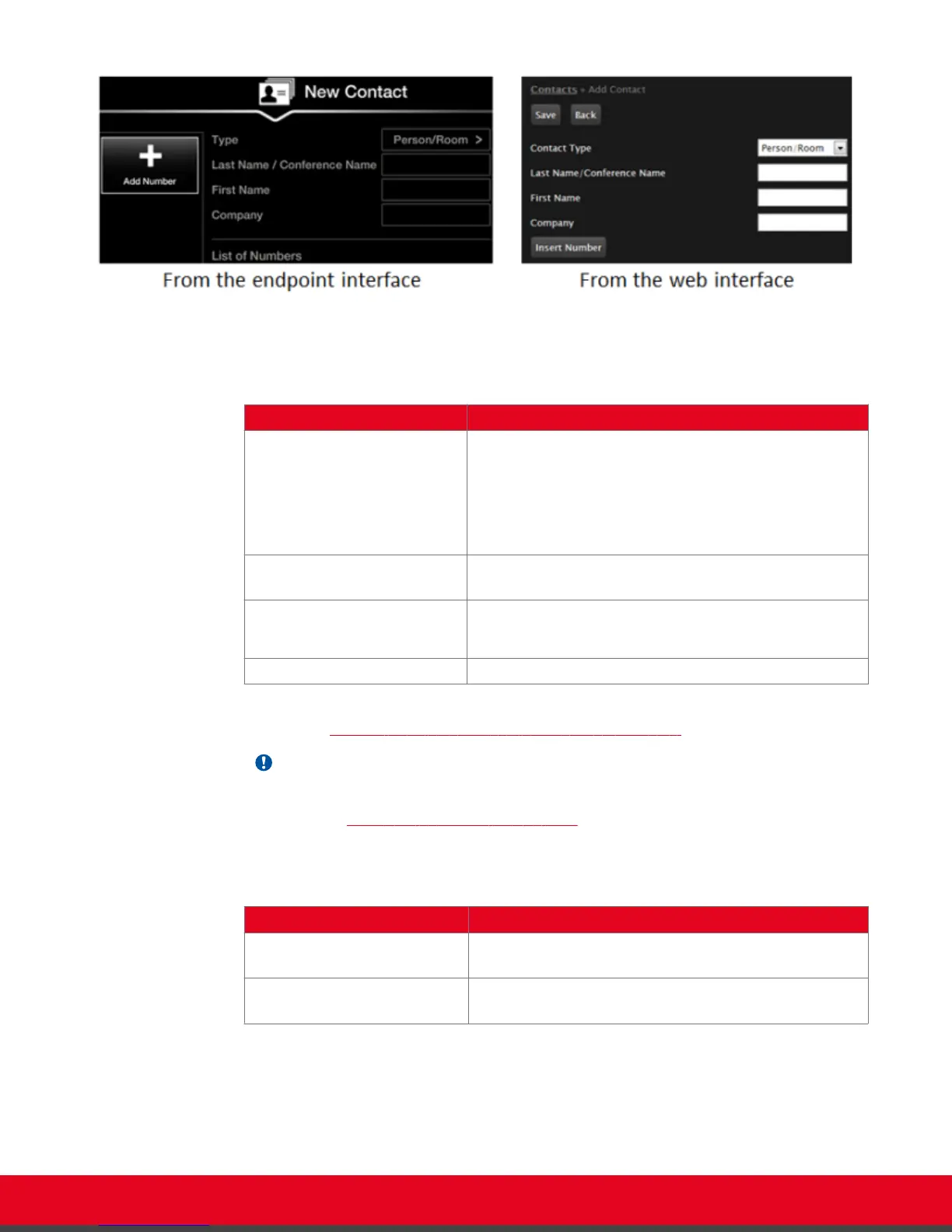
Figure 22: Entering general contact information
Table 3: Entering contact's basic information
Field Name Description
Contact type Select the type from the list:
•
Person/Room: Select for a personal endpoint or
meeting room.
•
Meeting Call: Select to include this endpoint in a
predefined set of endpoints to be called together.
Last Name/ Conference Name Enter a name to identify the contact, either by last name,
or conference name.
First Name This is only relevant if the contact is a person.
Enter a first name to identify the contact.
Company (Optional) Enter the company name.
4. Enter additional information for this contact, such as the number and default call type, as
described in Table 4: Entering advanced information for a contact on page 35.
Important:
You can also manually define the Type, Call Type, and Rate each time you place a call, as
described in
Modifying the Default Call Settings on page 41.
Table 4: Entering advanced information for a contact
Field Name Description
Label Define the contact's label to provide a short description of
the contact, for example: home, office or virtual room.
Number Enter the number or alias, to be dialed when contacting
this endpoint.
User Guide for Scopia XT5000 Series Version 3.2 Starting a Videoconference | 35



 To Next Page