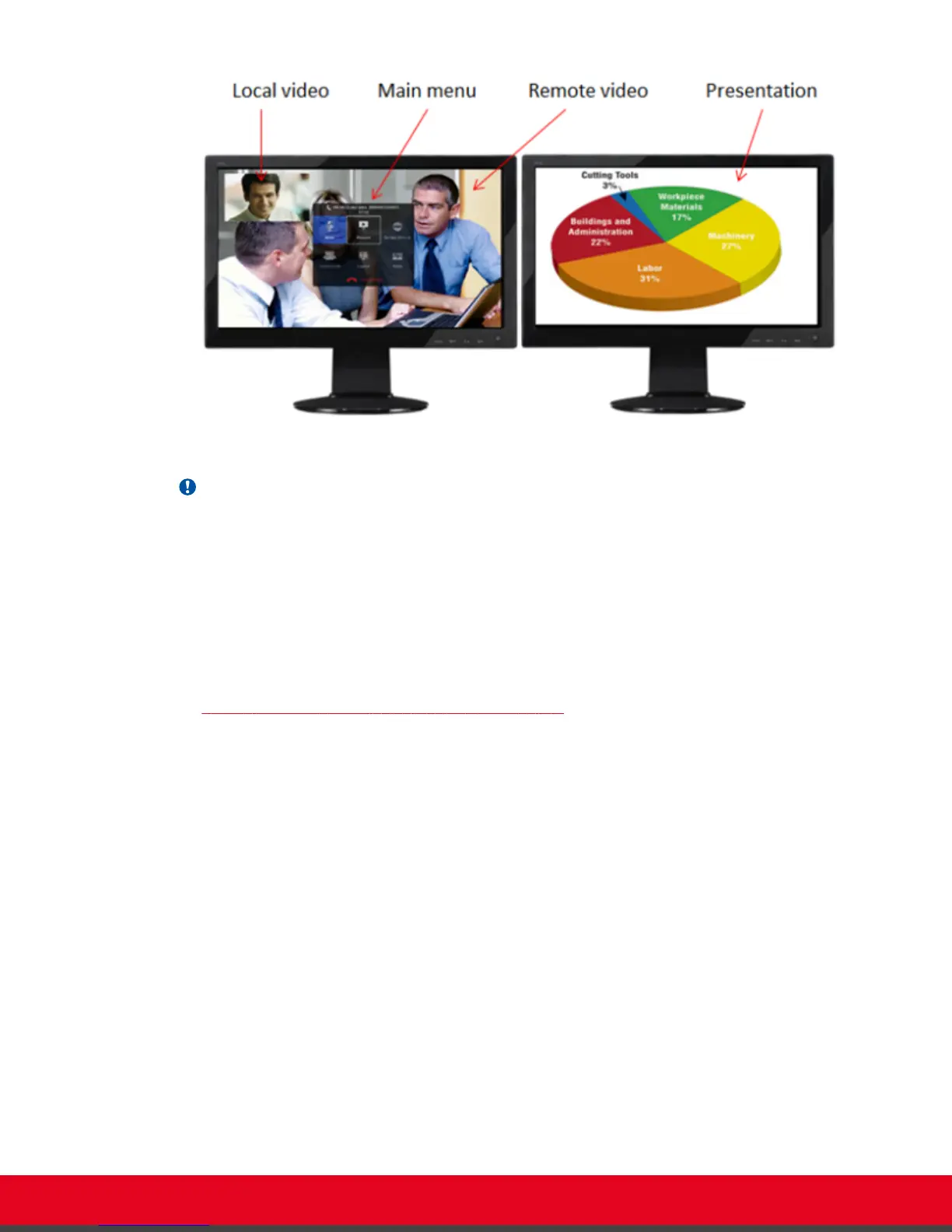
Figure 43: Available video and content (example)
Important:
By default, the video layout appears as follows:
•
When you are not in a call, one monitor shows the system menus, and both monitors display the
video taken by the local camera.
•
During a videoconference, one monitor shows the system menus, and both monitors show the
available video and presentation (local and remote), according to the selected monitor
configuration described below. You can further arrange the monitor layouts and content by using
Layout and PIP keys on the XT Remote Control Unit.
Your system administrator configures the monitors to show one of these layouts when you are in a call
(see
Table 9: Video configuration options with two monitors on page 60):
User Guide for Scopia XT5000 Series Version 3.2 During Your Videoconference | 59



 To Next Page