‐65‐
GENERAL SYSTEM SETTINGS
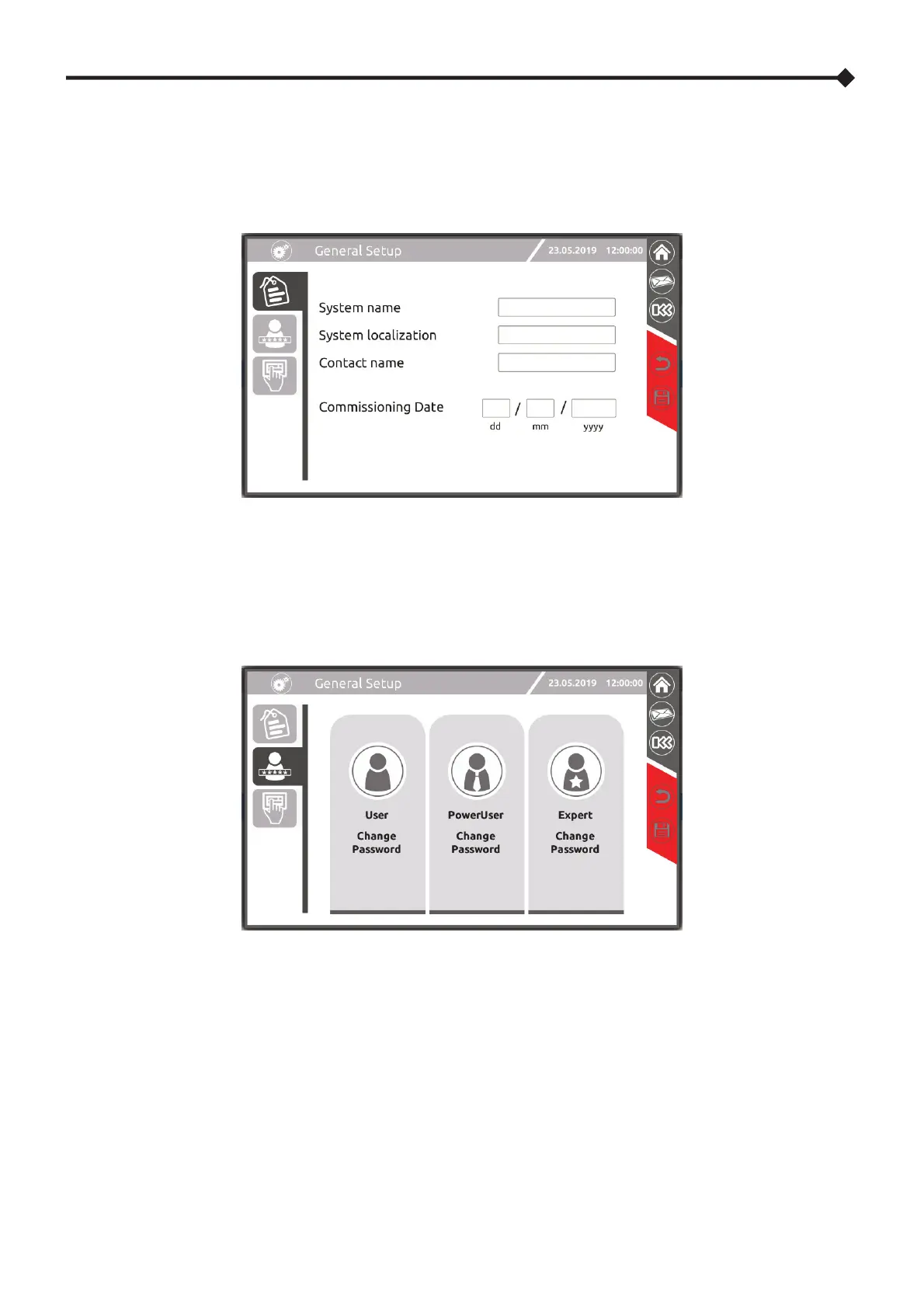
SYSTEM LABEL
This page enables the configuration of the system name, its location and the contact person.
The commissioning date can only be viewed by a Power User.
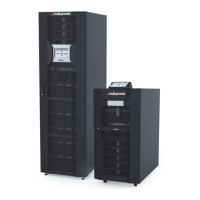
PASSWORD SETTING AND CHANGE
Touch the user icon matching the access level for which it is intended to set or change the password and type/change the
password. The password will be required to be entered twice to ensure it is correct.




 To Next Page