Troubleshooting
104 SmartLab: Automated Multi Purpose X-Ray Diffractometer
Appendix Using the OPERATE Lamp
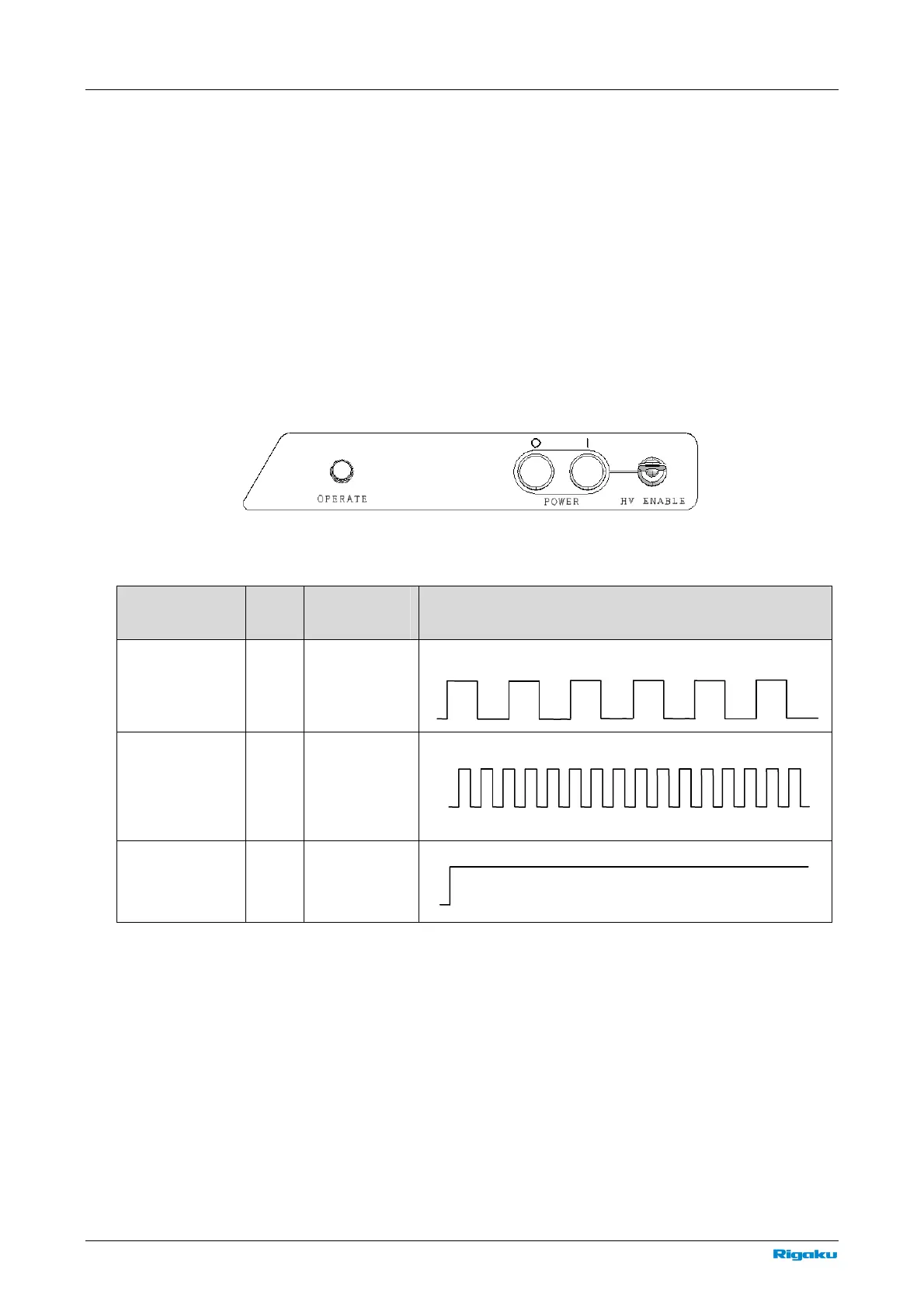
The OPERATE lamp indicates the status of the SmartLab controller. The lamp is usually green, but will
change to red and begin flashing at set intervals in the event of an abnormality. To reset the generated
alarm, you must restart SmartLab. After shutting down SmartLab Guidance, press the “O” OFF button,
then press the “|” ON button to restart SmartLab.
After SmartLab restarts, the OPERATE lamp will be flashing in green for 10 to 20 seconds. After that,
when the lamp lights up in green, SmartLab is ready to use. If the OPERATE lamp does not turn green,
flashing red instead after startup, or if the lamp turns green but changes to a flashing red immediately
during use, please contact the sales representative who you purchased the instrument from. Before
contacting, please refer to following tables to identify the alarm being generated.
Table Flashing pattern of the OPERATE lamp when SmartLab is starting up
Condition Color
Continuously
On / flashing
Pattern
Immediately
after Power ON
Green Flashing
10 seconds after
Power ON
Green Flashing
Able to be
controlled from
SmartLab
Guidance
Green
Continuously
On
250 ms
100 ms
250 ms
100 ms



 To Next Page