Cleaning
Cleaning
98
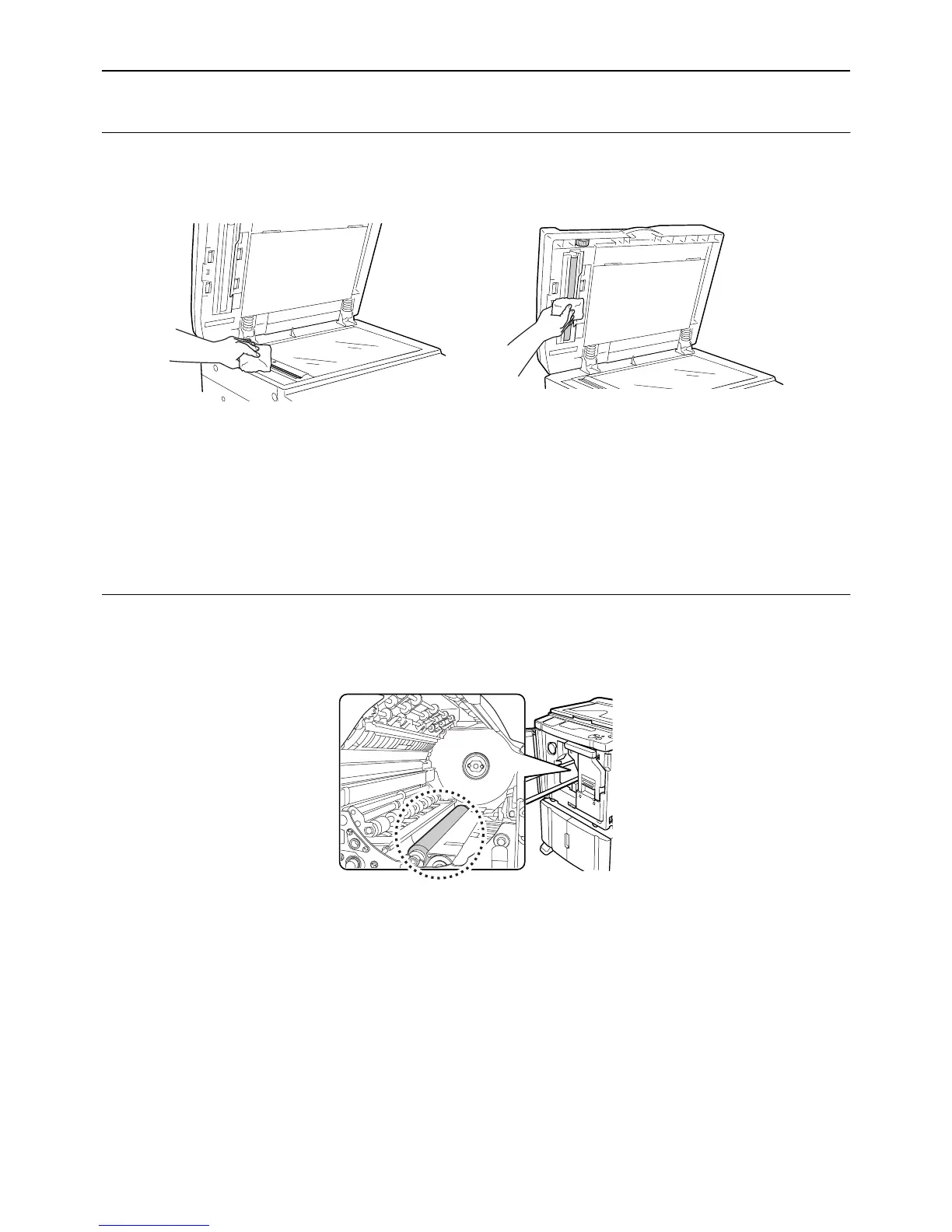
Scanner Glass and White Sheet of the ADF unit (Option)
Gently wipe the Scanner Glass, and the White Sheet several times with a soft cloth or tissue.
BCaution:
• Since the Scanner Glass is very delicate, avoid shocks or scratches with a hard object.
Note:
• For more effective cleaning, dampen a soft cloth or tissue with a small amount of alcohol before wiping the Scanner
Glass and White Sheet.
Pressure Roller
If the Pressure Roller, which presses print paper against the Print Drum (Cylinder), is stained, smudged strips may
appear on the back of copies.
If this happens, gently wipe the Pressure Roller with a soft cloth dampened with alcohol.
BCaution:
• When putting your hand into the unit, do not touch the paper separation hook and paper ejection hook. The sharp
tips of the hooks can hurt your hand.



 To Next Page