Advanced Features
Automatic Sorting into Groups [Program]
52
Setting Up for Programed Printing
z From a single original document, print into multiple groups of sets (Program A)
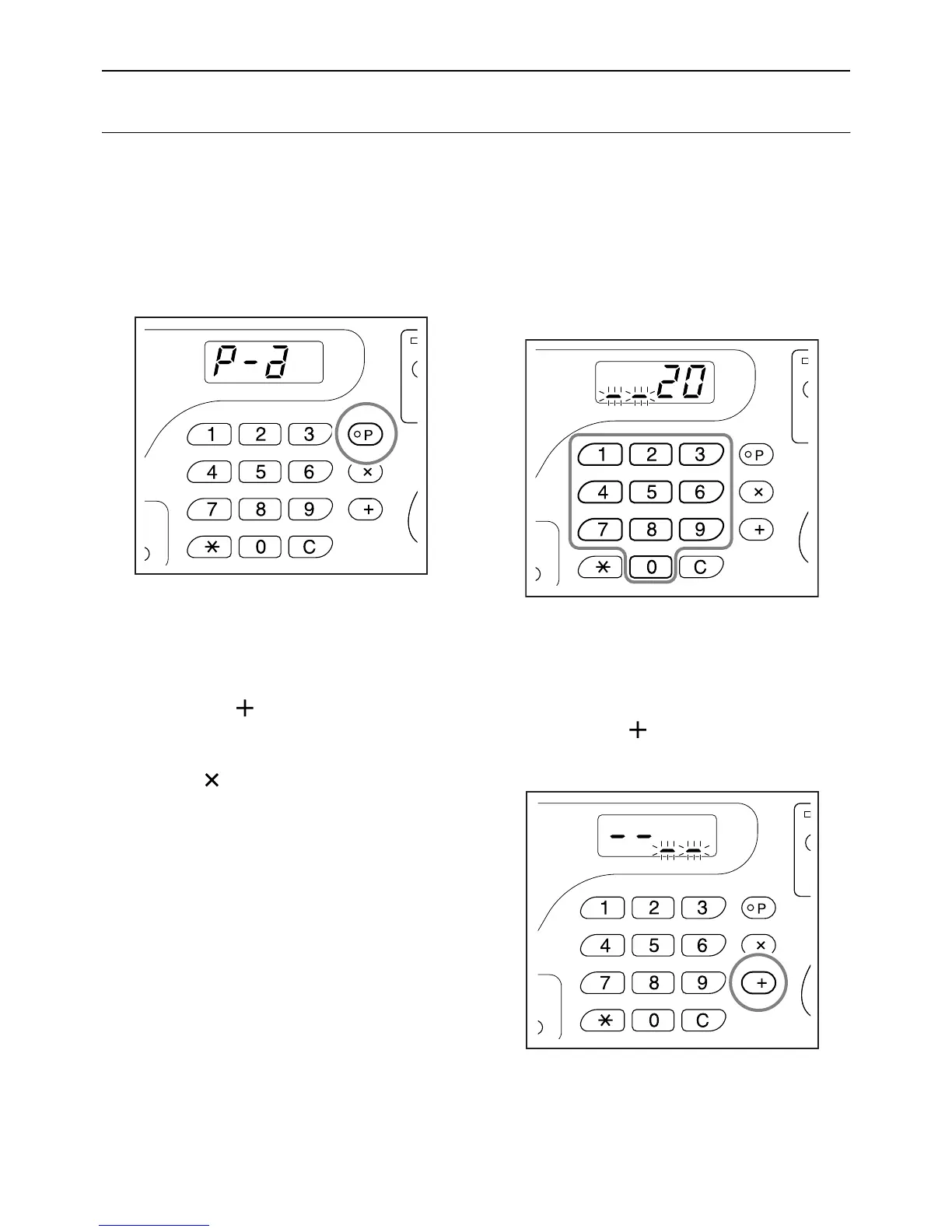
1 Press the [P] key to turn on its indi-
cator.
[P-a] appears on the Print Quantity Display.
Note:
• Mode switches between [Program A], [Pro-
gram B] and [Cancel Program] by pressing
the [P] key.
2 Press the [ ] key.
The print quantity entry mode is started.
Note:
• Press [] key to return to the previous step.
3 Enter the number of copies to be
printed, using the Print Quantity
keys.
Enter the number of copies for the first group.
Note:
• If you enter an incorrect number, press the [C]
key to clear the number, and then enter the cor-
rect number.
4 Press the [ ] key.
The set quantity entry mode is started.



 To Next Page