Advanced Features
Setting Up User Management
85
Clearing all User Management Function Settings
The settings for all users including administrator is cleared.
The cleared items are as follows:
• Create User
• Management ON/OFF
• Suspend a User
• Total Count Limit (per user)
• Master Count Limit (per user)
Important!:
• Once the User Management function is cleared, it cannot be retrieved.
• The administrator must be registered in advance in the “Create User”. ()p.75)
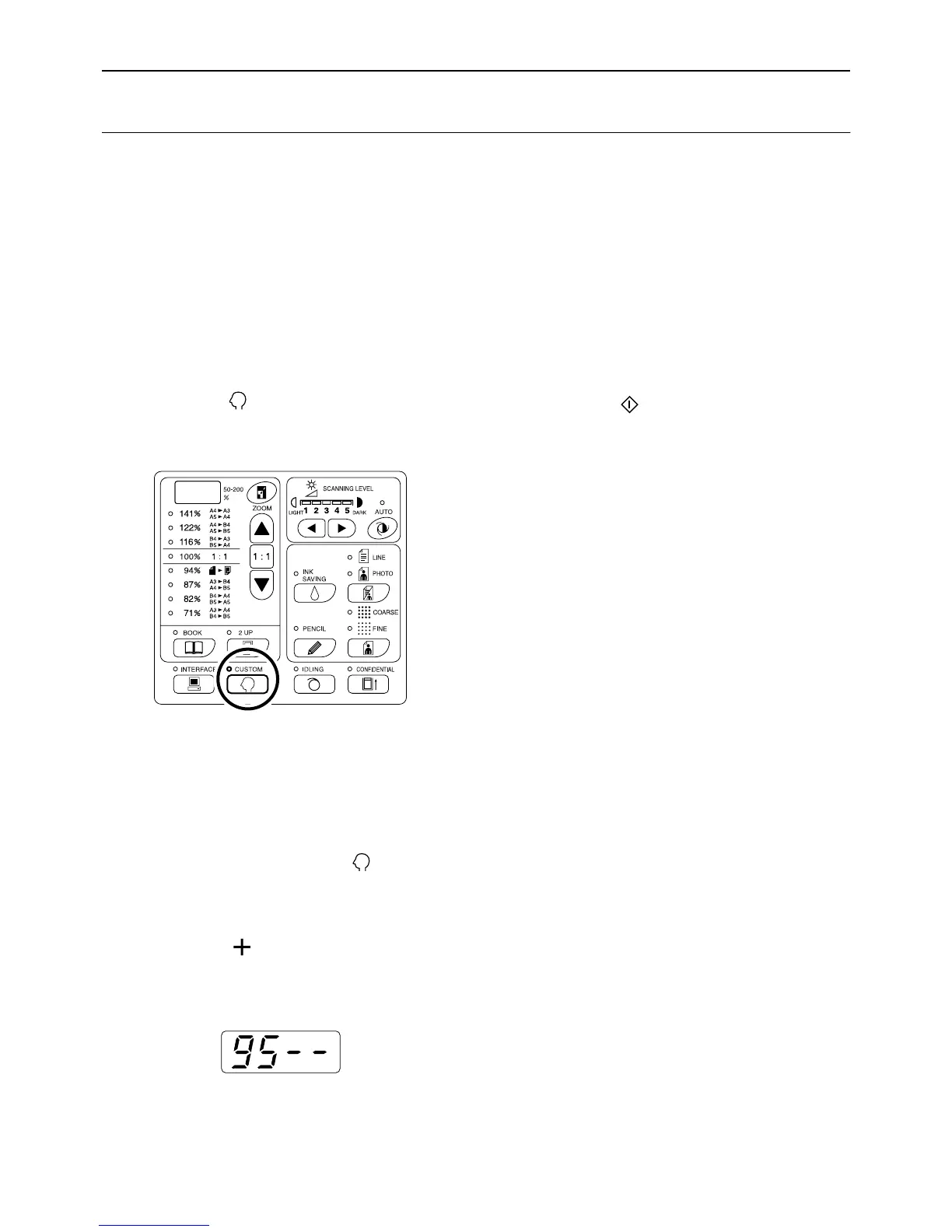
1 Press the key.
Its indicator turns on.
Important!:
• If the RISO Network Card (option) is installed,
you will not be able to enter the Custom Setting
mode for up to one minute after turning the
power on.
Note:
• To clear the setting, press the key again to
turn off its indicator.
2 Enter the item number “95” and
press the [ ] key.
The “Delete all User Management settings” mode
is activated.
3 Press the key.
The clearance of the User Management function
settings is applied, and the normal mode is
restored.



 To Next Page