Setting up for Scanning Originals
Scanning Originals Having Faint or Dark Contents [Scanning Level Adjustment]
37
Scanning Originals Having Faint
or Dark Contents
[Scanning Level Adjustment]
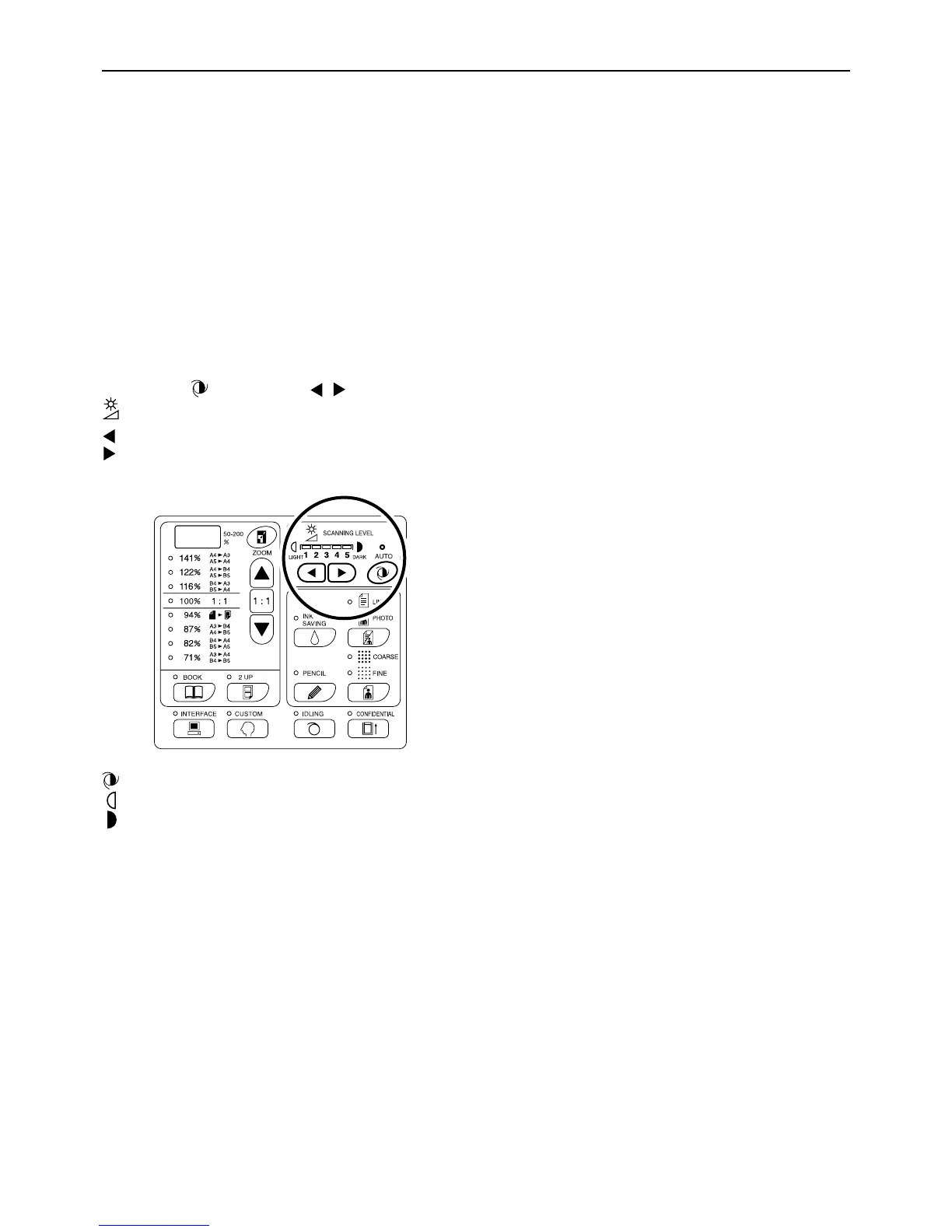
You can adjust the scanning level according to the density of text and images on originals.
With “Auto” selected, the density of originals is pre-scanned and the optimum scanning level is automatically set.
Manual adjustment allows you to select from five levels.
For originals containing faint text, select a high level (4 or 5). For such colored (coloured) originals as newspapers,
select a low level (1 or 2).
Press the key or the / keys under
to adjust the scanning level.
key: Each press decreases the scanning level.
key: Each press increases the scanning level.
:Auto
:Lighter
:Darker
Important!:
• With the scanning level adjusted, print several copies
after remaking masters to check the print result.
• You can select “Auto” only for the Line mode.
You cannot select “Auto” with the Photo, Duo or Pen-
cil mode selected.
Note:
• The Custom Setting mode allows you to change the
initial setting for the scanning level.
)p.64



 To Next Page