Setting up for Scanning Originals
Enlarging and Reducing Originals [Enlargement/Reduction]
36
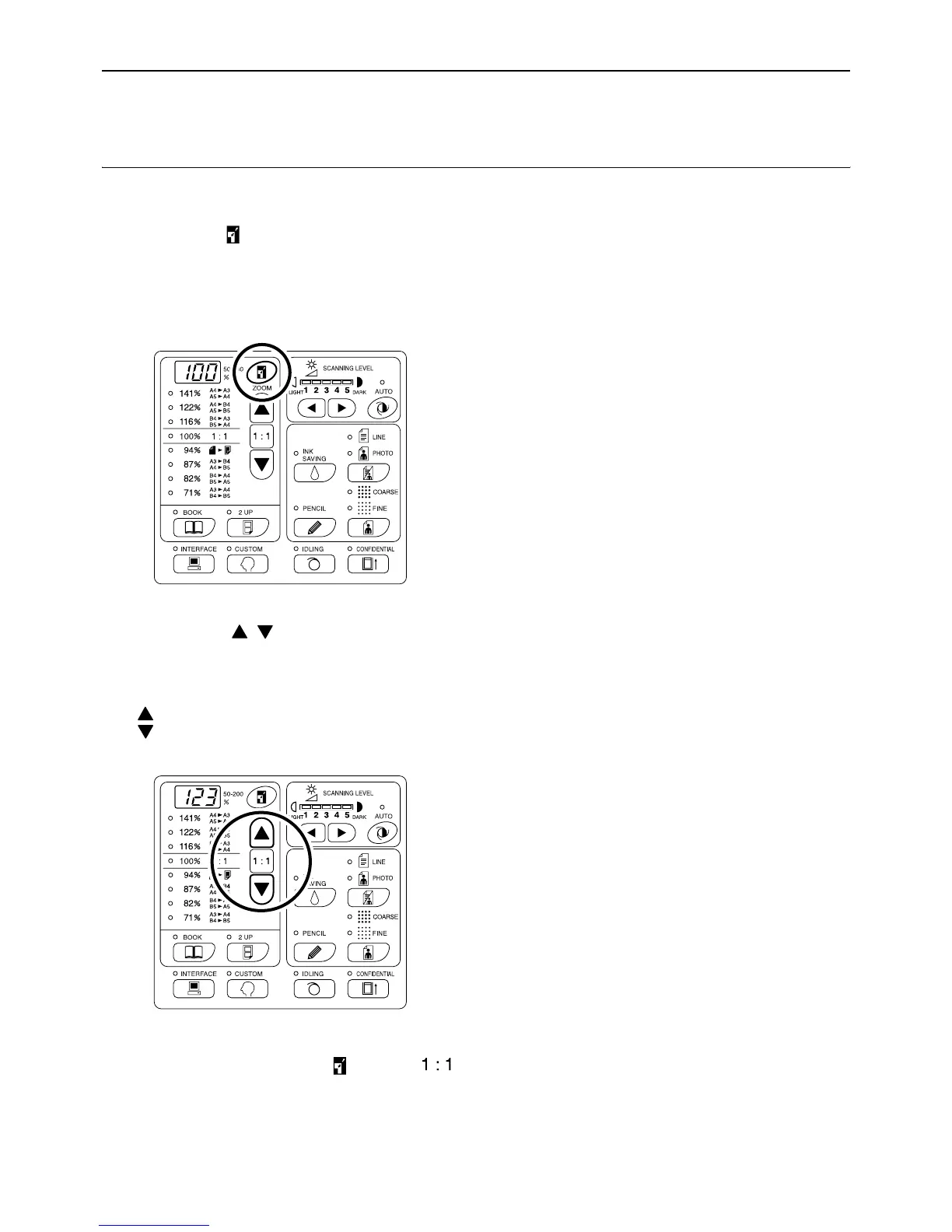
Enlarging and Reducing with the Zoom Function
[Zoom] (For EZ3XX only)
Specify the enlargement/reduction ratio between 50% and 200% in increments of 1%.
1 Press the key to select the Zoom
mode.
The current enlargement/reduction ratio is shown
on the display.
2 Press the / keys to select the
enlargement/reduction ratio.
The selected enlargement/reduction ratio is
shown on the display.
key: Each press increases the ratio by 1%.
key: Each press decreases the ratio by 1%.
Note:
• To restore 100%, press the key or the
key.



 To Next Page