Advanced Features
Setting Up User Management
79
Setting the Upper Limit of the User’s Usage
Set the Total Count Limit or Master Count Limit. Up to 9,999 can be set.
Note:
• The administrator must be registered in advance in the “Create User”. ()p.75)
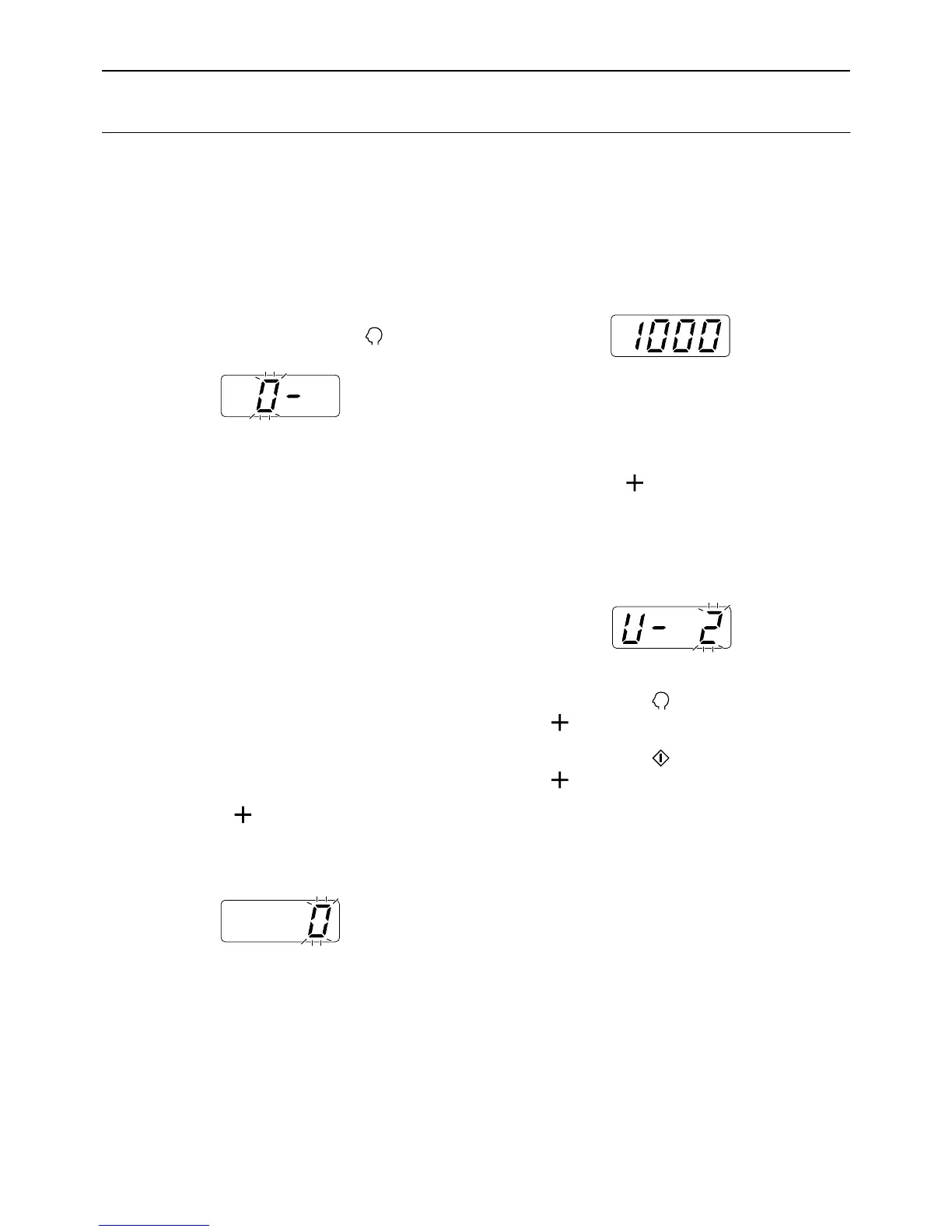
1 Check that the machine is in the item
number entry mode on the Print
Quantity Display.
If “0-” is displayed and “0” flashes, go to step 2.
For all other indications, press the key.
2 Enter the item number and press the
[+] key.
The item numbers are as follows:
• Total Count Limit: 83
• Master Count Limit: 84
The user number entry mode is activated.
3 Enter a user number using the Print
Quantity keys.
Note:
• If you enter an unregistered user number, the
alarm sounds and the user number entry mode
is restored. Enter a correct user number.
4 Press the [ ] key.
The “Total Count Limit” mode or “Master Count
Limit” mode is activated.
5 Enter the limit number using the
Print Quantity keys.
Note:
• Setting “0” for the upper-limit count causes no
limit.
6 Press the [ ] key.
The setting of the upper-limit count is applied, and
the next registered user number is displayed.
Repeat steps 3 through 6 to continue to set the
upper-limit count for other users.
Important!:
• If you press the key before pressing the
[] key, the setting is canceled and the nor-
mal mode is restored.
• If you press the key before pressing the
[] key, the setting is applied and the normal
mode is restored.
• An alarm sounds and the machine stops if the
Total Count (Master Count) reaches the upper
limit during printing. The user cannot use the
machine until the administrator clears the Total
Count (Master Count). For count clearing pro-
cedures, see “Clearing the TC or MC for each
user”. )p.80
Note:
• When the last registered user is set, the item
number entry mode is restored.



 To Next Page