Advanced Features
Setting Up User Management
83
Setting the ID Counter Report Reminder
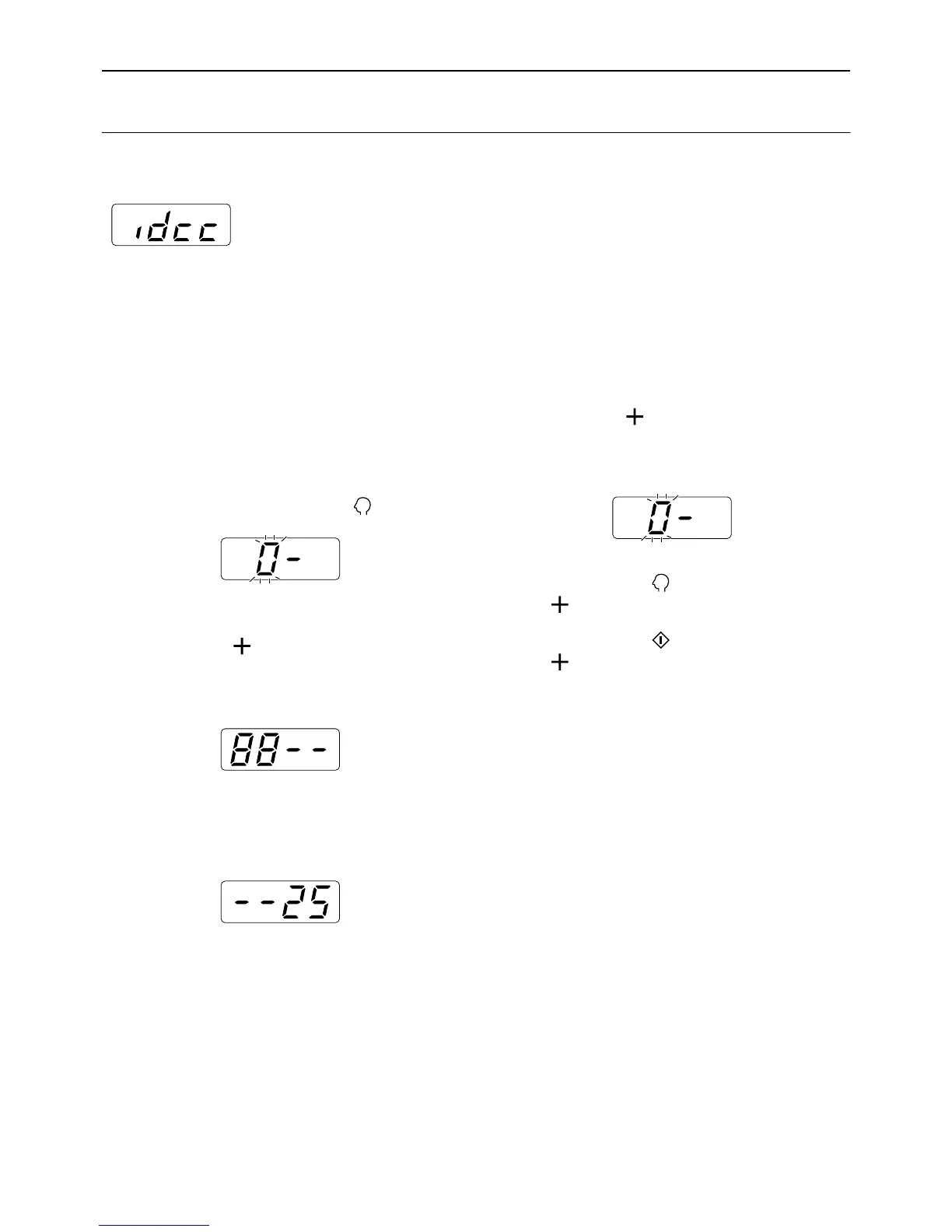
If the counting result is output regularly on a specific day of the month, set that day as the reminder date. The “idcc”
is displayed and the alarm sounds on the set date each month.
Important!:
• The administrator must be registered in advance in the “Create User”. ()p.75)
Note:
• You can select for the counting date from a range 1 to 31. Select “0” to set no counting date.
• When setting the reminder date between the 29th - 31st, and if the number of days in the month is less than this
range such as in February, the “idcc” is displayed on the last day of the month.
1 Check that the machine is in the item
number entry mode on the Print
Quantity Display.
If “0-” is displayed and “0” flashes, go to step 2.
For all other indications, press the key.
2 Enter the item number “88” and
press the [ ] key.
The current setting flashes. “0” displayed if noth-
ing has been set.
3 Enter the counting date using the
Print Quantity keys.
4 Press the [ ] key.
The counting date is applied, and the item number
entry mode is restored.
Important!:
• If you press the key before pressing the
[] key, the setting is canceled and the nor-
mal mode is restored.
• If you press the key before pressing the
[] key, the setting is applied and the normal
mode is restored.
Note:
• On the counting date, turning on the power
sounds the alarm and displays “idcc.” Output
the counting result. )p.84
• Alternatively, perform “ID Counter Report
Monthly Reminder (stop)” (item number:89) if
you do not output for the current month; “idcc”
does not appear until the counting date of the
following month. )p.69



 To Next Page