Advanced Features
Automatic Sorting into Groups [Program]
58
Retrieving a Program
Stored programs can be retrieved for printing.
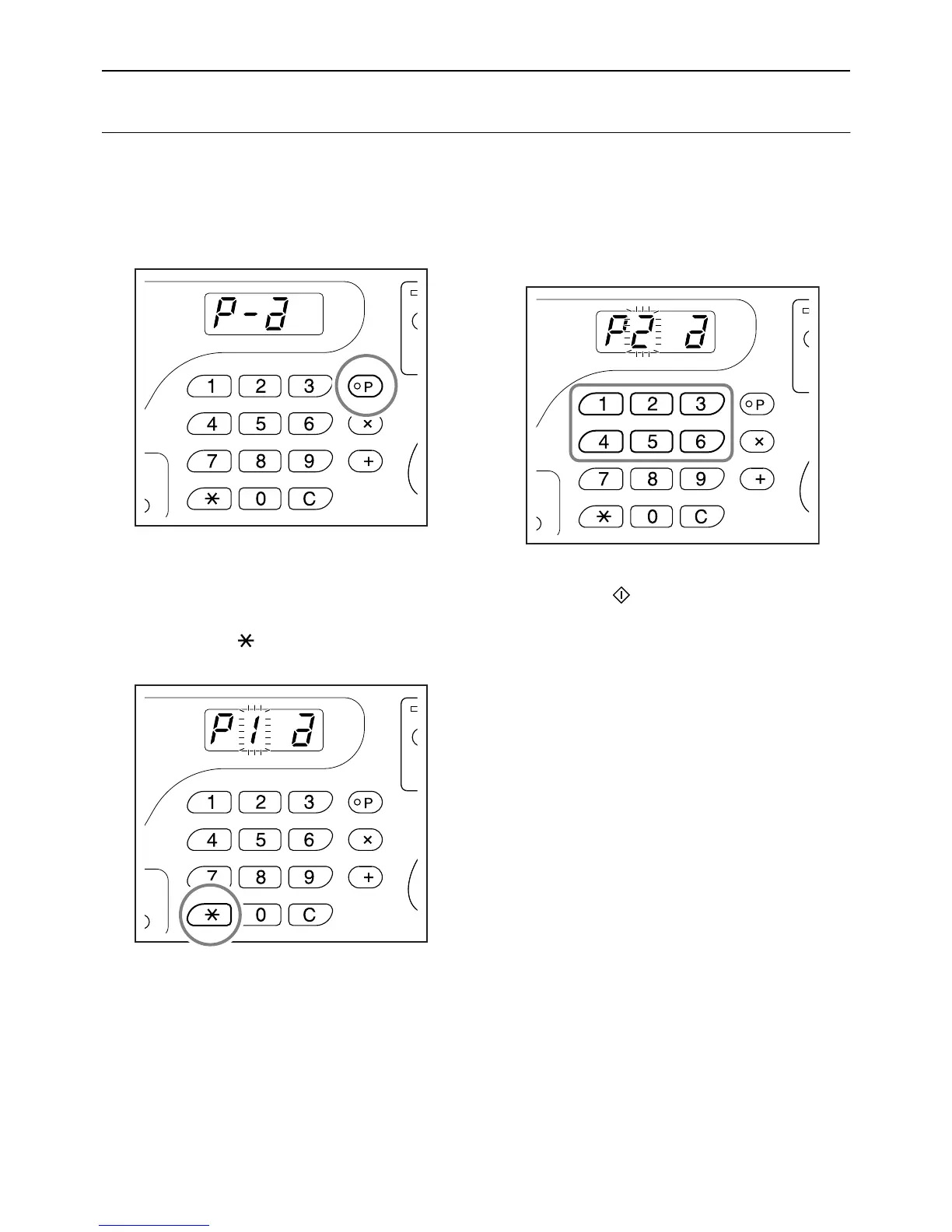
1 Press the [P] key to turn on its indi-
cator.
Note:
• To cancel program mode, press the [P] key
twice.
2 Press the [ ] key.
3 Enter the program number using the
Print Quantity keys.
A stored program is retrieved.
Note:
• Press the key to start printing with retrieved
program.
• You can not enter an unstored program num-
ber.



 To Next Page