Setting up for Scanning Originals
Automatic Printing [Auto-Process]
44
Automatic Printing
[Auto-Process]
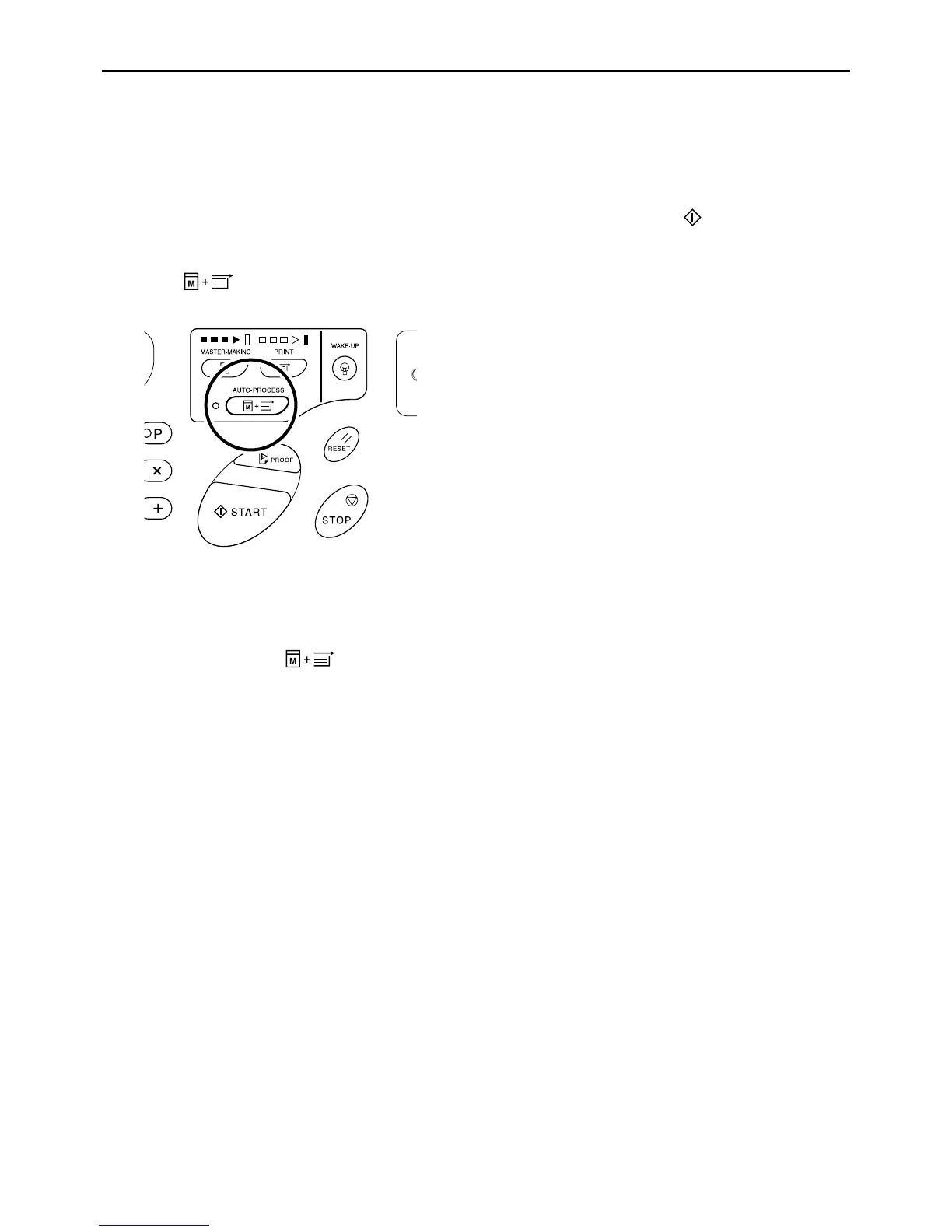
With “Auto-Process” selected, enter the number of copies to be printed, and then press the key. The master-mak-
ing and printing processes are automatically executed in a sequence.
Press the key to turn on its indicator.
Note:
• When Auto-Process is selected and printing process
is finished, Print Quantity Display returns to show the
number of copies entered before printing.
• To clear the mode, press key again to turn
off its indicator.
• The Custom Setting mode allows you to set the Auto-
Process to perform automatically when an original is
placed in the ADF unit (option).
)p.64



 To Next Page