Setting up for Scanning Originals
Printing Originals Side-by-Side [2-Up Printing]
41
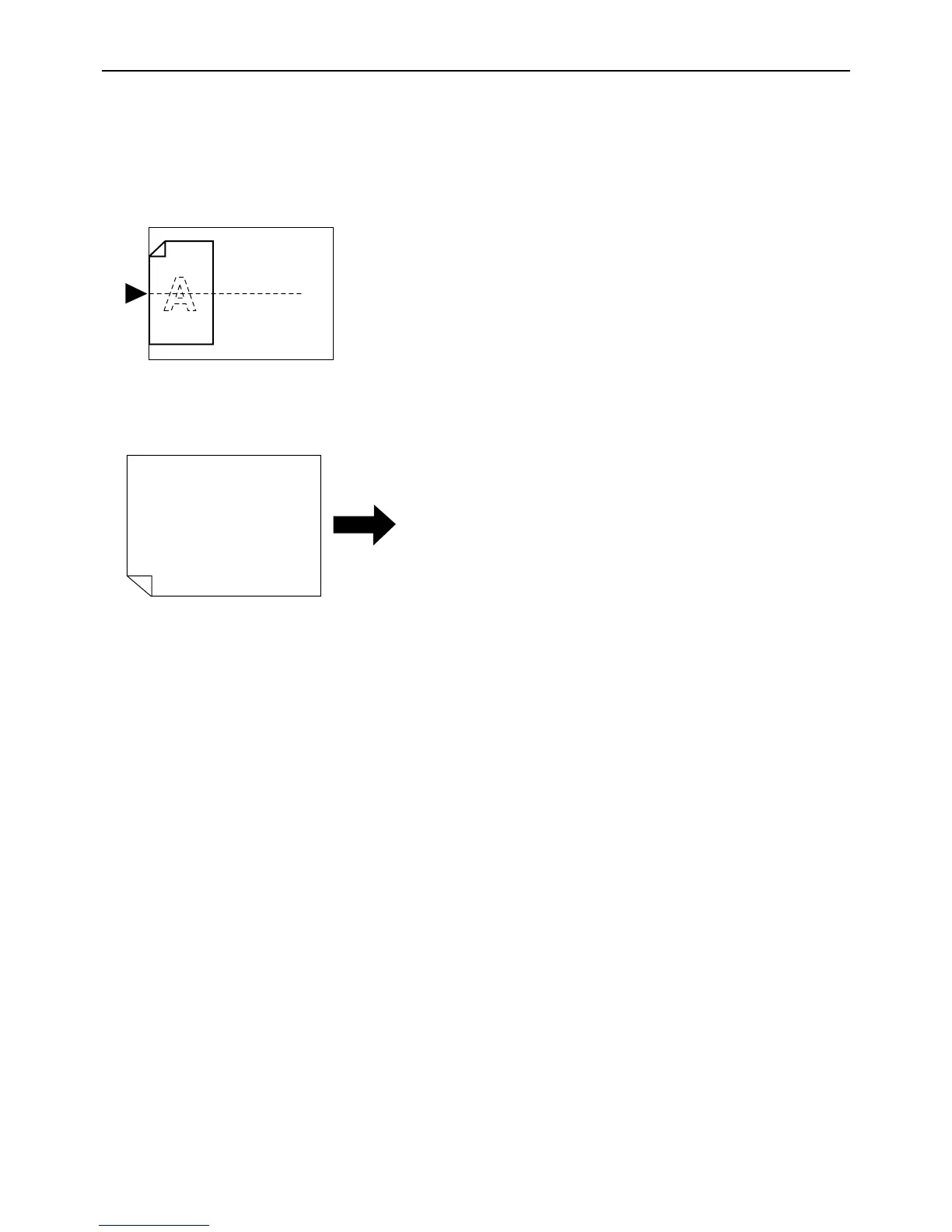
Paper orientation
Before printing, check the orientations of the original and print paper.
z Orientation of originals
Always place originals in the orientation below.
z Orientation of print paper
Always place print paper in the orientation below.
Note:
• You can specify the enlargement/reduction ratio by selecting the standard ratios or specify it in increments of 1%
using the Zoom function.
)p.35
• Originals must have sufficient margins. Insufficient margins result in inappropriate page layout.
)p.18
• A margin of the 5 mm (
3
/
16
"
) on the left edge of the set original is kept regardless of the enlargement/reduction ratio.
• For two-original printing, you can separately select the following functions for each original.
Image Processing mode, Pencil, enlargement/reduction ratio, dot process/scanning level



 To Next Page