Advanced Features
Automatic Sorting into Groups [Program]
51
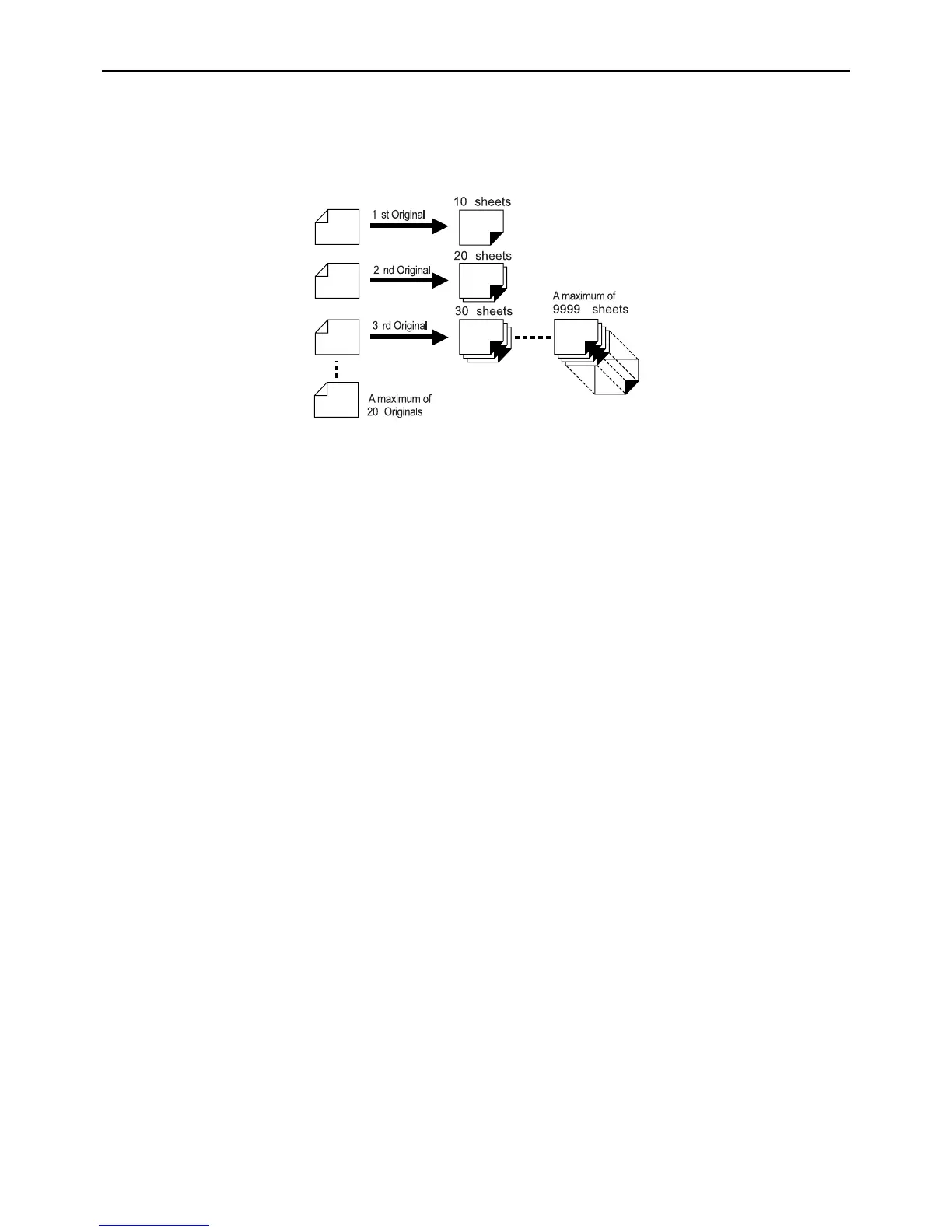
z Program B (Multi-Page Mode)
From a single original, up to 9999 copies can be made.
Each original can reproduce a pre-assigned number of sheets (up to 20 originals).
z How to Program Print
There are two ways to print in sets using “Program” printing feature.
• Program, then print (without saving the settings)
• Retrieve a saved program, then print (when program is registered)
Note:
• The Job Separator (option) is useful for Programed Printing.
The Job Separator releases a piece of tape after each set or original document, thereby automatically separating
sets or groups. It eliminates the need to manually remove a stack of sheets or insert a marker between sets.



 To Next Page